































blocky multiplication The Ultimate 2025 Guide
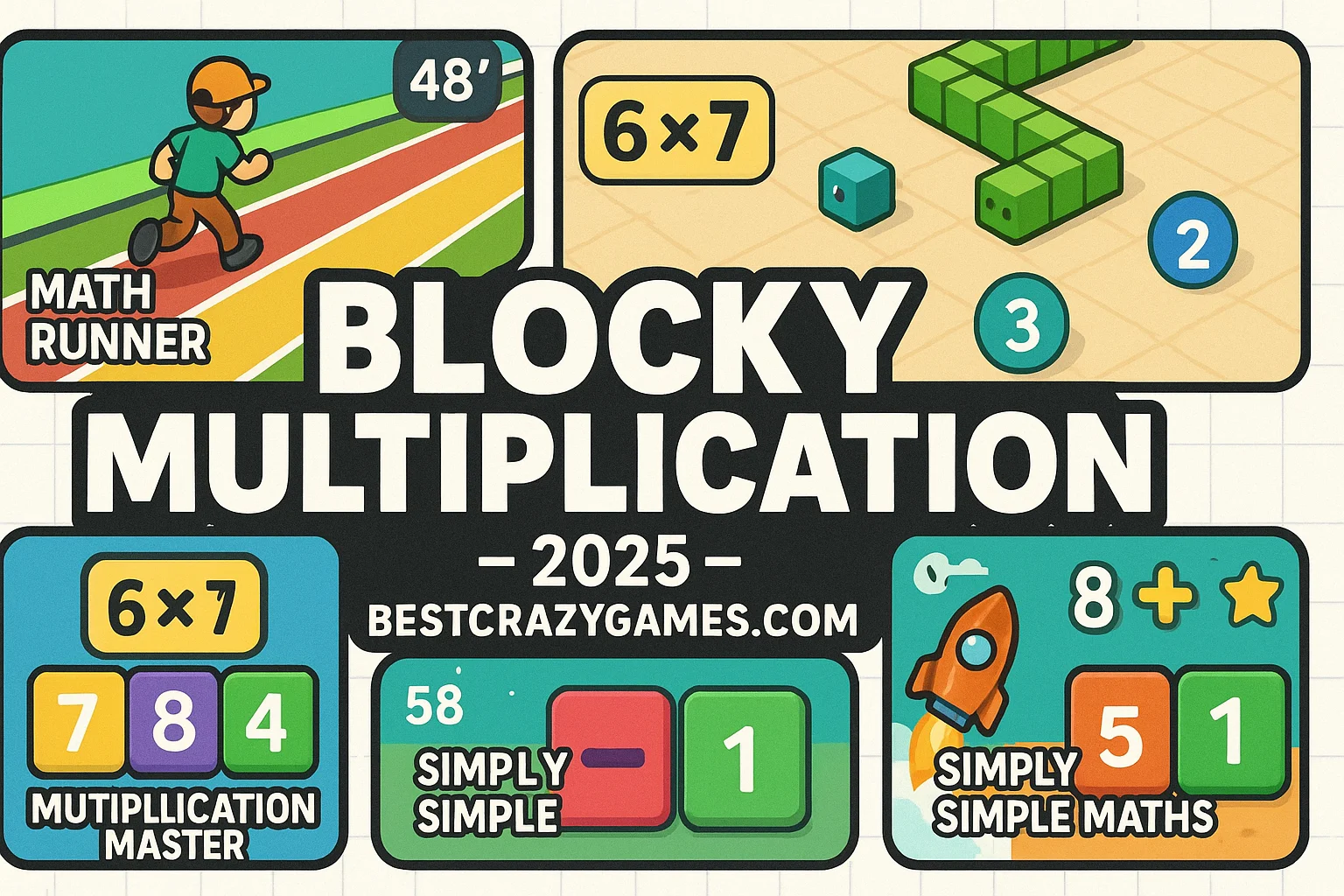
If you want a kids-friendly, classroom-safe game that actually makes multiplication click, blocky multiplication is the vibe. It’s fast to learn, satisfying to master, and—bless—there’s zero fluff. You’re making snap choices, pattern-spotting, and building real skills, not just farming coins. Parents and teachers love it because the challenge scales; students love it because it feels like an arcade run, not homework with a pretty skin. For deeper insights into its engaging mechanics, check out Blocky Multiplication Why This Guide Exists.
Here’s the move: fire it up, knock out a few rounds, and watch the muscle memory for times tables stack itself—clean and simple. You’ll get instant feedback loops, bite-size levels, and that delicious “one more try” itch that legit improves recall speed.
CTA: Play blocky multiplication right now via this guide on BestCrazyGames.com for a smoother learning curve and a clean browser experience.
What is blocky multiplication? 📖
At its core, blocky multiplication is an interactive multiplication-practice game that turns times-table drills into quick, reactive puzzles. Instead of static worksheets, you get short, kinetic rounds where the right product keeps your run alive and the wrong one ends it—immediately reinforcing correct facts.
It’s built on the simple truth that multiplication = repeated addition + pattern recognition. In classrooms, that’s the step where many learners either lock in or drop off. Games like this keep cognitive load low while attention stays high, which is exactly what you want when building automaticity for 2× through 12×. Think tactile learning—except in your browser.
If you want the formal definition for your inner pedant, multiplication is “the arithmetic operation of scaling one number by another,” as summarized by Multiplication on Wikipedia. Use that once; then let the game do the teaching.
How to Play blocky multiplication 🕹️
Goal: Answer multiplication prompts correctly to keep the run going and rack up a high score. Miss, and the streak resets.
Controls & Flow
-
Mouse / Touch: Tap the correct product from a small set of options (fast).
-
Keyboard (if supported): Number keys to answer even faster.
-
Rounds: Short, escalating sets—perfect for warm-ups or bell-ringers.
Difficulty Scaling
-
Start with 1×–5× if you’re rusty.
-
Graduate to 6×–9× for speed practice.
-
Lock in 10×–12× for full mastery.
-
Mix tables (randomized) once your recall is automatic.
Modes you’ll commonly see
-
Timed Sprint: 60–120 seconds to nail as many as you can.
-
Endless Run: One mistake ends the streak; great for focus.
-
Target Set: Beat a fixed count (e.g., 30 correct) to pass.
Pro tip: Treat each session like interval training—3–5 quick rounds with short breaks. You’ll watch recall speed spike week over week.
Top Tips & Strategies 💡
1) Anchor Facts First.
Memorize the smallest set of facts that unlock everything else. Master 0s, 1s, 2s, 5s, 10s, 11s. That alone reduces overload and frees working memory for the trickier 6–9 range.
2) Use Symmetry & Commutativity.
If you know 7×8, you know 8×7. Call out mirrors in your head to cut your learning in half.
3) Chunk, Don’t Cram.
Work in 5–7 minute bursts, then stop. The game is perfect for micro-doses—don’t turn it into a grind.
4) Watch for Digit Patterns. Recognize the "rhythm" of the numbers. Products of 5 always end in 0 or 5; products of 9 have digits that sum to 9 (until you hit 11×). Spotting these visual cues in blocky multiplication allows you to eliminate wrong answers instantly without even finishing the full calculation.
🚀 Whats New in blocky multiplication
The latest version of the game has moved beyond simple static backgrounds to include dynamic, reactive environments. The most recent Season Update introduced themed "math worlds" where the blocks change appearance based on your progress—starting in a calm forest and ending in a high-intensity neon cityscape. Developers also streamlined the mobile UI, ensuring that the "tap zones" are larger and more responsive for tablets, which is a huge win for younger learners using iPads in the classroom. Perhaps the best addition is the "Mistake Review" feature; at the end of a run, the game now highlights the specific equations you missed, allowing you to focus your next practice session on those exact pain points.
🛠️ Troubleshooting Checklist
If you run into technical snags while trying to play, follow these quick steps to get back into the action:
-
Check Browser Zoom: If the UI looks squashed, press
Ctrl + 0to ensure you are at 100% zoom. -
Clear Cache: If the game hangs on the loading screen, clearing your browser's temporary data usually force-loads the latest version.
-
Disable Ad-Blockers: Some aggressive filters accidentally block the game’s script from running. Try whitelisting the site to ensure smooth playback.
-
Update Chrome/Edge: Blocky multiplication uses modern web rendering; if your browser is more than a few months out of date, you might experience frame drops.
-
Check "Num Lock": If you are using the keyboard's number pad and it isn't registering, make sure your Num Lock key is actually toggled on!
📋 Beginner Questions FAQ
Is blocky multiplication free for schools? Yes, the version hosted on BestCrazyGames is free to access. Many teachers use it as a standard "early finisher" activity because it requires no sign-up and stays within educational boundaries.
What age group is this best for? It is ideal for ages 7 to 11 (Grades 2 through 5), but even middle schoolers use it to sharpen their mental math speed for competitive testing.
Does it track my progress over time? While it doesn't have a formal "gradebook," your local high score persists in your browser. This allows students to compete against their own previous bests day after day.
Can I pick just one table, like the 7s? In most modes, you can select specific sets to focus on. If you're struggling with the 7s, you can set the game to only throw those equations at you until you’ve mastered the pattern.
Why does the game speed up? The speed increase is intentional! It forces your brain to move from "calculating" (counting on fingers) to "automaticity" (knowing the answer instantly).
Dive into more exciting browser games on BestCrazyGames, where fun blocky multiplication challenges and endless entertainment await you BestCrazyGames.