


Updated Games
Updated Games brings together recently refreshed game pages, tags and blog guides on BestCrazyGames. Use it to revisit an entry or find a clearer explanation of a game you have not tried. The list includes editorial updates: a refreshed description does not by itself mean the game's developer has added levels, changed its controls or released a new version.
Understand what kind of page you are opening
A game card leads to an individual playable entry and its description. A tag card leads to a collection whose games share a topic. A blog card leads to an article or guide. These pages answer different questions, so choose a game when you want to play and a collection or guide when you want help deciding what to try.
For a familiar game, reread the objective and control instructions before returning to a saved habit. A correction may explain which browser version is embedded, distinguish a solo adaptation from multiplayer, or make an action easier to understand. Treat the controls and options in the loaded game as the reference for the current session.
Turn a clearer description into a better first attempt
Identify the action that matters most before starting: aiming, steering, moving between platforms or choosing a valid move. Give yourself an opening attempt to learn that action. Then look at the result and change one decision. Understanding the rule is more useful than repeating an input that belongs to a different game with a similar name.
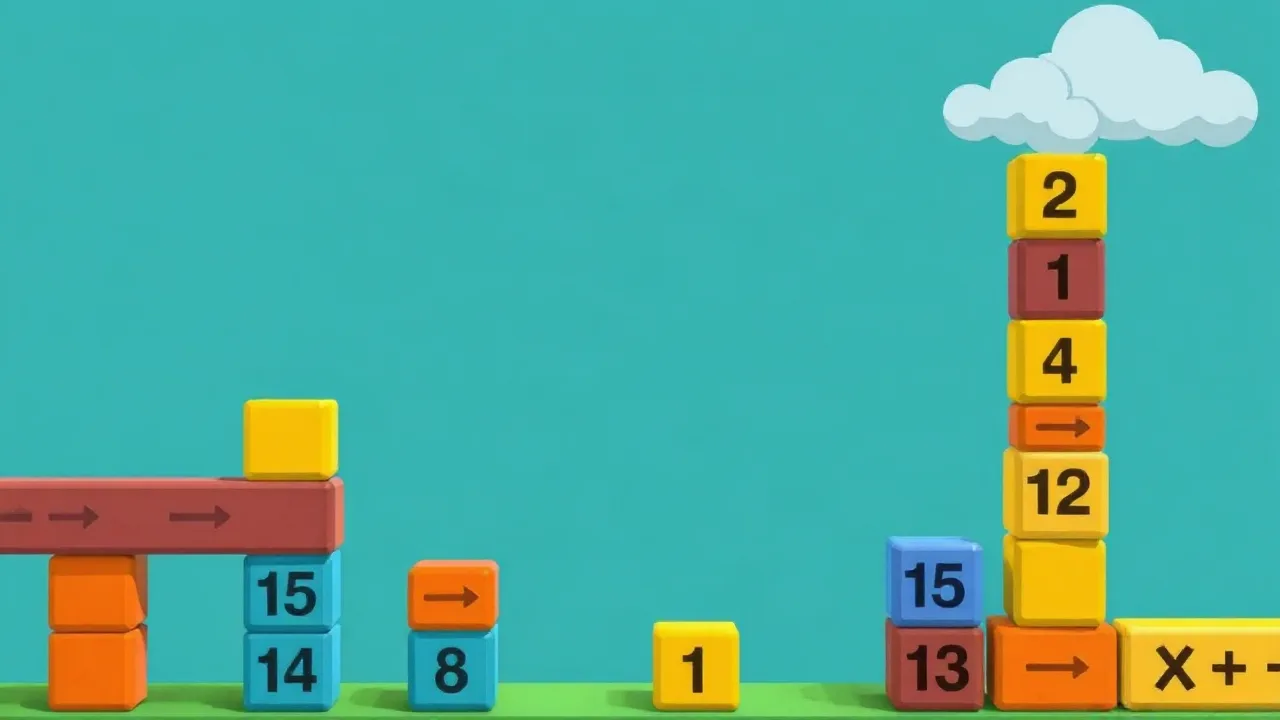
If you prefer slower decisions, the Puzzles category provides another route through the catalogue. Compare each board and objective rather than expecting every puzzle to use a timer, hints or the same scoring system. The description should help you recognize those differences.
Separate refreshed pages from recent additions
The New Games list is organized around recently added published entries. This Updated view highlights pages marked as refreshed and uses their update information. A title can therefore appear here after its original publication date. Neither placement establishes that a browser game has received new content from its developer.
Find a suitable next session
Check whether the game expects a keyboard, mouse or touch controls before committing to a longer run. An accessible page and a playable control layout are different things. Read the actual prompts when using a new device, and let the embedded game's loading screen finish before judging whether it responds.
Return to the BestCrazyGames homepage when you want a broader selection. Use this page for refreshed entries, New Games for recent additions, and individual game pages for the rules that matter while playing. Choose by the task you want to attempt and the input available to you.


























Updated Games brings together recently refreshed game pages, tags and blog guides on BestCrazyGames. Use it to revisit an entry or find a clearer explanation of a game you have not tried. The list includes editorial updates: a refreshed description does not by itself mean the game's developer has added levels, changed its controls or released a new version.
Understand what kind of page you are opening
A game card leads to an individual playable entry and its description. A tag card leads to a collection whose games share a topic. A blog card leads to an article or guide. These pages answer different questions, so choose a game when you want to play and a collection or guide when you want help deciding what to try.
For a familiar game, reread the objective and control instructions before returning to a saved habit. A correction may explain which browser version is embedded, distinguish a solo adaptation from multiplayer, or make an action easier to understand. Treat the controls and options in the loaded game as the reference for the current session.
Turn a clearer description into a better first attempt
Identify the action that matters most before starting: aiming, steering, moving between platforms or choosing a valid move. Give yourself an opening attempt to learn that action. Then look at the result and change one decision. Understanding the rule is more useful than repeating an input that belongs to a different game with a similar name.
If you prefer slower decisions, the Puzzles category provides another route through the catalogue. Compare each board and objective rather than expecting every puzzle to use a timer, hints or the same scoring system. The description should help you recognize those differences.
Separate refreshed pages from recent additions
The New Games list is organized around recently added published entries. This Updated view highlights pages marked as refreshed and uses their update information. A title can therefore appear here after its original publication date. Neither placement establishes that a browser game has received new content from its developer.
Find a suitable next session
Check whether the game expects a keyboard, mouse or touch controls before committing to a longer run. An accessible page and a playable control layout are different things. Read the actual prompts when using a new device, and let the embedded game's loading screen finish before judging whether it responds.
Return to the BestCrazyGames homepage when you want a broader selection. Use this page for refreshed entries, New Games for recent additions, and individual game pages for the rules that matter while playing. Choose by the task you want to attempt and the input available to you.