































Fast Guide to parkour games unblocked for Clean Browser Runs
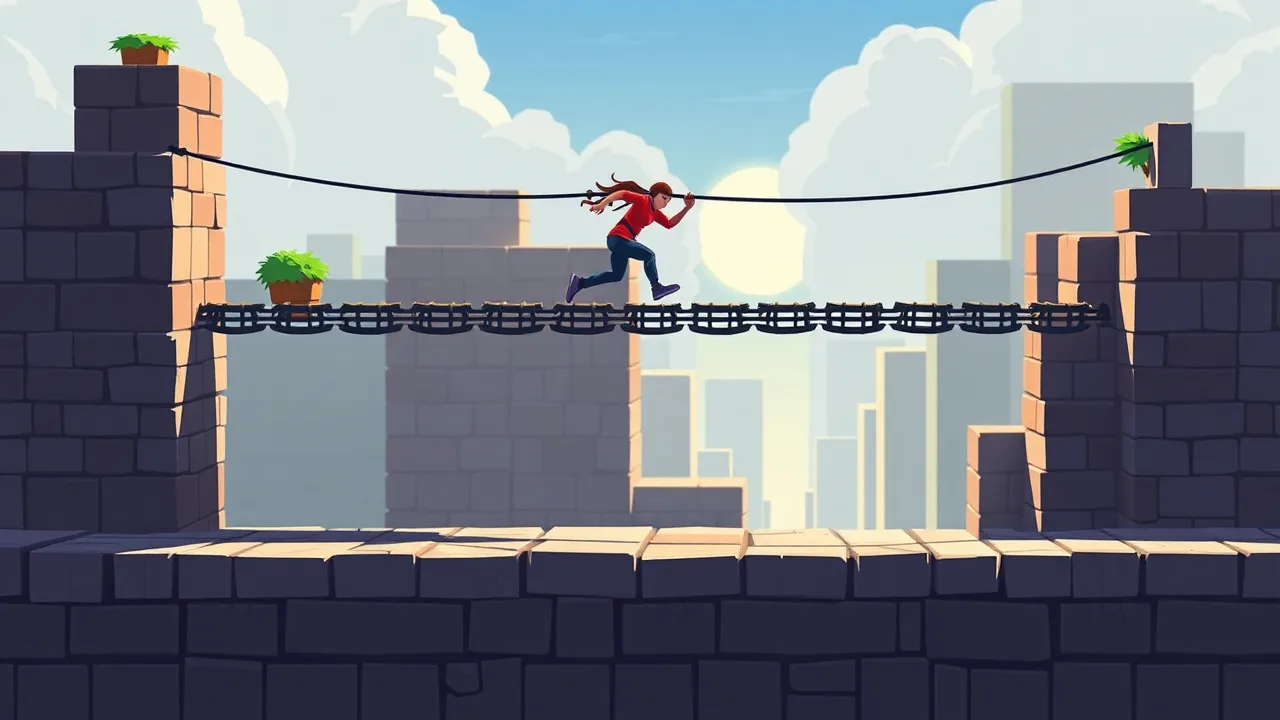
If you’re searching for parkour games unblocked, you probably want the same three things everyone wants: quick loading, smooth movement, and levels that feel fair even when you mess up. Parkour in browser games hits a sweet spot because the rules are simple, but the execution stays challenging. You read a route, commit to a jump, land, and instantly know what went wrong if you fall. That tight feedback loop is why these games fit short breaks so well. You can play one level, reset, try again, then walk away without feeling like you left a story unfinished.
A great starting point is Parkour Block 3D, where block-to-block jumps and hazard zones push you to improve through repetition. It’s the kind of game where your first run looks messy, then ten minutes later you’re suddenly sticking landings that felt impossible. The style also borrows the mindset of real parkour: efficiency, flow, and calm control under pressure. If you want a quick definition of the discipline behind the vibe, this overview of parkour gives you the context without overcomplicating it.
Below is a deeper, practical guide to choosing, playing, and troubleshooting parkour games unblocked so they stay fun, not frustrating.
🆓 Free to Play Unblocked parkour games unblocked
Free-to-play is nice, but in parkour, the real value is how quickly you can restart and learn. A good unblocked parkour session feels like this: you load in, do a test jump to feel the timing, then commit to the route. When you fall, you are back in motion fast, not staring at long menus. That fast loop matters because parkour skill is basically muscle memory plus calm decision-making.
If you’re playing during a short break, choose levels with clear visual edges and consistent distances. Games that mix tiny blocks with sudden camera swings can feel random, especially on trackpads. In contrast, blocky parkour maps tend to be readable, which makes improvement feel earned. Another underrated detail is how the game handles momentum. Some titles let you keep speed after a landing, while others “stick” you to the ground for a split second. Neither is wrong, but you want consistency.
A practical mini-goal for a 10 minute session: clear one level without stopping, then replay it aiming to reduce hesitation. If you do that, the game stays a quick recharge instead of a rabbit hole.
✨ parkour games unblocked Feature Highlights
The best features in this genre aren’t flashy, they’re functional. First, strong parkour games have predictable jump arcs. You should be able to repeat the same movement and get nearly the same result. Second, they usually use simple cues that help your brain judge distance, like grid textures, strong edges, or repeating patterns on platforms. Those visual anchors are a quiet advantage, especially when you’re tired or playing fast.
Respawns also matter more than people admit. When a game places you at a clear checkpoint, you practice the hard part again immediately. When it sends you too far back, it turns practice into punishment. A smart design keeps you near the mistake so you can correct it.
Another feature that separates enjoyable runs from annoying ones is camera stability. If the camera drifts or accelerates unpredictably, jumps feel harder for the wrong reason. A stable camera lets you focus on timing instead of fighting the view. Some games also add small sound cues for landing or slipping. Even if you play muted, those cues often correlate with good animation timing.
Finally, look for fast level progression. The best sessions are the ones where you can clear a few stages, feel a little better than before, and close the tab with a small win.
🕹️ parkour games unblocked Gameplay Essentials
Parkour gameplay is essentially route reading plus timing. You’re constantly making micro-decisions: do I sprint or walk into this jump, do I aim for the center or the edge, do I adjust midair or keep my line. At first, it feels like reaction speed. After a while, you realize it’s mostly rhythm.
A useful way to improve is to treat each level like three parts: the start, the problem section, and the finish. The start teaches you the pace. The problem section is where you slow down and get precise. The finish is where you’re tempted to rush, which is exactly when many players slip. If you keep your tempo consistent, you’ll clear more levels with less stress.
In block-based parkour games, the biggest mistake is jumping too early from an edge because you’re afraid of falling. Ironically, early jumps often create falls. Aim to jump from the last reliable point, then land center mass. If you keep landing on corners, you’ll get small sideways slides that accumulate into a miss.
Also, don’t over-correct in midair. Tiny adjustments are fine, but aggressive camera flicks can distort your sense of depth. Smooth inputs beat frantic ones almost every time.
📌 About parkour games unblocked Essentials
These games borrow the spirit of parkour even when the visuals are stylized. Parkour, as a discipline, is about moving through obstacles efficiently, safely, and creatively. That translates nicely into gameplay: read the environment, pick a line, commit, and adapt when conditions change.
In unblocked browser play, the format shapes the experience. Sessions are often short, so games lean on quick difficulty ramps and frequent checkpoints. That can be great, because you feel progress quickly. But it can also mean the level design tests one specific mechanic repeatedly, like long gaps or narrow ledges. When you notice that, it helps to shift your mindset: you’re not stuck, you’re drilling a skill.
Another angle worth remembering: “unblocked” varies by network. Sometimes a game works because the site isn’t restricted, and sometimes it works because it’s lightweight and doesn’t trigger filters. Either way, the goal on your side is the same: choose games that run smoothly, don’t demand downloads, and let you play without fuss.
If you want the experience to stay relaxing, treat it as practice, not a performance. It’s fine to fail ten times in a row if each fail teaches you something small.
🚀 How to Play parkour games unblocked for Beginners
Start with a warm-up, not a speedrun. Your first minute should be about calibration: how far does a normal jump go, how quickly do you accelerate, and how sensitive is the camera. Once you feel that, the rest becomes much easier.
A beginner-friendly approach:
-
Choose a level with medium spacing, not extreme long jumps.
-
Walk the first few obstacles to learn distances.
-
Add sprint only when you can land consistently.
-
Repeat the hardest jump three times in a row before attempting a full run.
That fourth step is sneaky effective. Many players keep doing full attempts and fail at the same spot, which builds frustration. Practicing the problem jump in isolation builds confidence, and confidence improves your timing.
If you’re playing on a school or work device, expect occasional input delay. That means you should jump a fraction earlier than you would on a gaming PC. You’ll feel it quickly. Also, don’t be afraid to slow down. In parkour games, going slower can actually make you faster overall because it reduces resets.
A simple goal for the first day: clear two levels without falling, even if you do it slowly. After that, speed will come naturally.
🎛️ Control Setup Tips
Controls are usually simple, but small tweaks change everything. In most browser parkour games, you move with WASD or arrow keys, jump with space, and look around with the mouse. If your camera feels twitchy, lower your mouse sensitivity in the game settings if available. If there’s no setting, adjust your system sensitivity slightly or use a mouse instead of a trackpad if you can.
A few practical control habits:
-
Keep your camera centered before you jump. Depth reads better when your view is steady.
-
Avoid diagonal spam. Smooth forward movement with minor side correction is more reliable.
-
Use short taps for micro-adjustments near edges. Holding a direction too long often over-commits.
-
If sprint exists, don’t sprint into every jump. Use it only when the gap demands it.
If your keyboard input ever feels “ignored,” click once inside the game window. Browsers sometimes don’t register keys until the page has focus. And if your laptop has sticky keys or accessibility features enabled, that can interfere with rapid inputs. Turning those off for a session can make movement feel instantly cleaner.
Finally, learn your escape routine: Esc to exit fullscreen, then a quick pause or restart. When you can reset quickly, you stay calm, and calm equals better parkour.
🧠 Practical Tips and Tricks For Consistency
Consistency is the whole game. Big flashy jumps look cool, but clean runs come from repeatable decisions. One of the best tips is to aim for the center of every platform whenever possible. Edges are risky, and even tiny sideways slides can ruin the next jump.
Another strong habit: keep a steady tempo. Many falls happen because players alternate between slow and fast without realizing it. Try to keep your rhythm consistent through a section, then adjust only when necessary. If a gap looks scary, slow down and line up. If a section is easy, don’t get sloppy.
Use “two attempt logic” when you fail:
-
Attempt one is information. You learn the distance and timing.
-
Attempt two is execution. You commit with the new knowledge.
If you keep failing beyond that, stop and change one variable: approach angle, camera height, or sprint usage. Don’t repeat the same exact attempt ten times expecting a different outcome.
Also, set a time boundary. If you’re playing during a break, decide your endpoint before you start. For example: I stop after I clear one more level or after five minutes. This keeps the game enjoyable and prevents that creeping feeling of losing time.
🆕 New Features in parkour games unblocked
In the world of browser parkour, “what’s new” usually shows up as fresh maps, smoother movement tweaks, and small quality-of-life improvements. You might notice new themes, new obstacle patterns, or extra checkpoints that make practice less punishing. Sometimes the updates are subtle, like more consistent collision on edges or a camera that feels less floaty.
As a player, the best way to benefit from updates is to re-calibrate quickly. If a game suddenly feels different, run a simple level slowly once. That one slow run tells you if jump timing changed or if your acceleration feels faster. After that, you can go back to normal pacing.
New content can also change what “good strategy” looks like. A level pack with lots of narrow ledges rewards careful camera alignment. A pack with long gaps rewards controlled sprint management. So it helps to think in skill categories rather than treating all levels the same.
If you’re collecting short wins, use updates as a reason to reset your goals. Instead of grinding one difficult section for too long, try new maps and pick the ones that feel smooth on your device. A good match between level design and your setup is half the fun.
❓ Frequently Asked Questions FAQ
1) Are parkour games unblocked safe to play?
They can be, especially on well-known portals. Still, avoid sites that push popups, request strange permissions, or try to redirect you repeatedly.
2) Do I need to download anything?
Typically no. Most are browser-based and should run without installs. If a page insists on a download, that’s a good reason to leave.
3) Why do my jumps feel inconsistent?
It’s often camera movement, sprint timing, or input delay. Try steady camera, reduce sprint usage, and do a slow calibration run.
4) What’s the fastest way to improve?
Practice the hardest jump in isolation. Repeat it until it feels boring, then connect it into a full run.
5) Why does it work at home but not at school or work?
Network filters vary. Sometimes the site is restricted, sometimes specific resources are blocked. In those cases, choosing another browser-friendly title is usually the simplest path.
🛠️ Troubleshooting Checklist
If something feels off, run through a quick checklist before you blame the game.
-
Game won’t load: Refresh once, then try a private window to rule out extensions.
-
Lag or stutter: Close heavy tabs, especially video or music streaming. Lower quality if there’s a setting.
-
Keyboard not responding: Click inside the game window to restore focus.
-
Fullscreen issues: Press Esc, then re-enter fullscreen if needed. Sometimes windowed mode runs smoother.
-
Choppy camera: Lower sensitivity if possible, and avoid rapid flicks while jumping.
-
Audio problems: Check system volume, then mute in-game. Browsers sometimes block autoplay until a click.
The main idea is to keep the experience light. parkour games unblocked work best when they feel like quick, repeatable practice, not a technical project. When the controls are calm, the route is readable, and your goals are small, the jumps start landing more often than you expect.