


Idle farming business unblocked farm clicker fun online
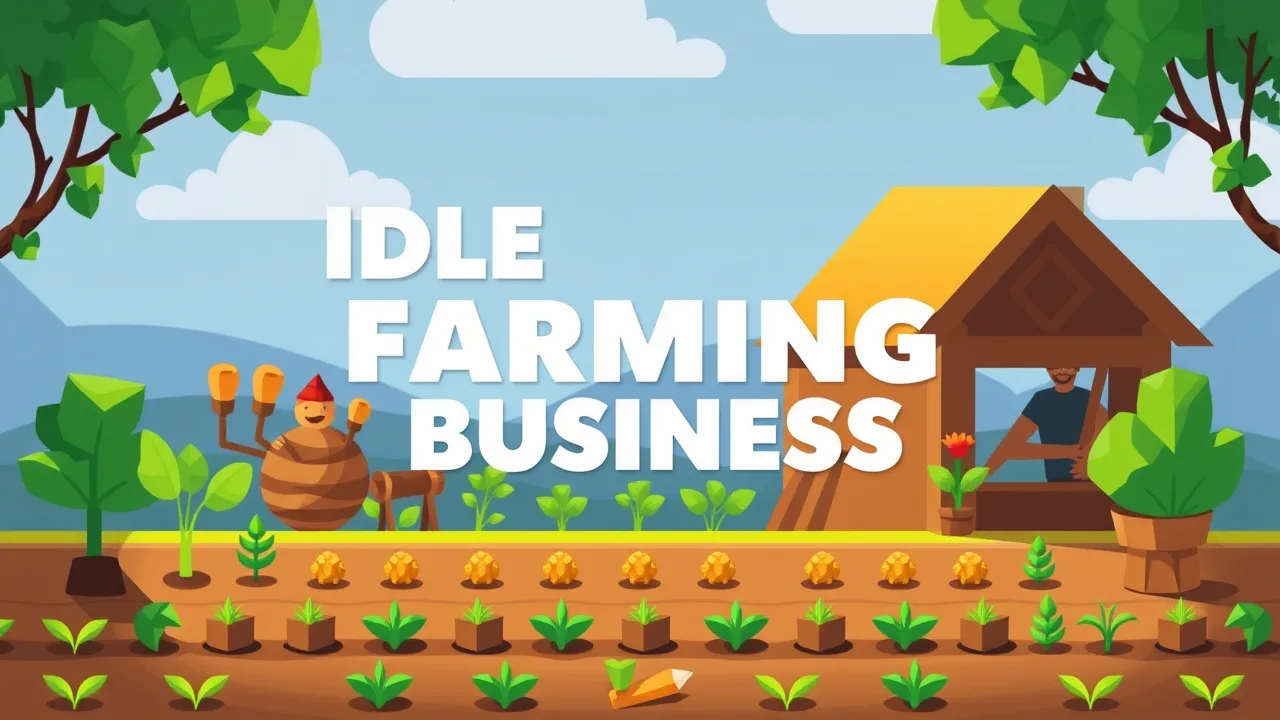
Idle farming business drops you right into the life of a chill digital farmer, where every click turns seeds into serious profit. In Idle Farming Business you start with a tiny patch of land, plant simple crops, harvest them, and snowball your earnings into a full farming empire with upgrades, boosts, and new plots. The game sits in the same family as the classic idle incremental game genre, where numbers go up, systems get more automated, and your empire keeps grinding even when you look away. If you enjoy watching your farm grow while you casually upgrade soil, unlock new veggies, and chase bigger multipliers, this one is basically a pocket-sized farm tycoon built for browser players.
🎮 idle farming business Unblocked No Download
idle farming business is built for instant play, so you do not need to download clients, launchers, or sketchy files to get going. Just open it in your browser, hit play, and your starter field is already waiting for its first crop. This makes it perfect for quick sessions at home, on a laptop, or anywhere you have internet and a modern browser. Because it runs as a lightweight HTML5 game, it works smoothly on most devices without hammering your CPU. The unblocked style means you are not dealing with heavy accounts, complex launchers, or big patches. You can jump in, queue upgrades, harvest, and tab out while your farm keeps generating cash. It is that classic idle loop: low effort, satisfying growth, and no technical drama getting in the way of your crops.
🌾 Best Features in idle farming business
The best part of idle farming business is how it keeps stacking systems on top of simple gameplay. You start by buying basic plots, planting basic crops, and harvesting manually. Then come the upgrades that improve production speed and value per harvest, turning simple fields into money machines. Weather boosts like extra sun or rain temporarily crank up your output, so timing them with harvests feels really rewarding. Each new plot brings fresh crops and better profit rates, pushing you to expand horizontally across the farm. On top of that, the game leans into that “numbers go crazy” feeling typical of idle games, letting your income climb into absurd ranges the longer you stick with it. It is a clean mix of strategy, patience, and satisfying upgrades.
🧩 idle farming business Gameplay Overview
Gameplay in idle farming business is straightforward but surprisingly addictive. You buy land, plant crops, wait for them to grow, then harvest to collect your earnings. Each crop has a progress bar that shows when it is ready and how much money you will get when you click it. That money goes straight back into your farm as upgrades, new crops, and fresh tiles. Over time, you unlock stronger varieties that pay out more per harvest and scale your income faster. The core loop is all about watching your farm fill up, grabbing big harvests at the right time, and chaining upgrades so your production rate keeps climbing. Weather effects and passive income systems layer on top, turning the game into a neat little economy where every decision on what to upgrade next actually matters.
📖 About idle farming business Overview
idle farming business sits at the crossroads of farming sim and idle clicker, mixing cozy visuals with pure number-chasing progression. Instead of managing deep life sim systems like character relationships or full town schedules, this game zooms in on the money side of farming: invest, harvest, reinvest, repeat. It pulls inspiration from classic farming themes but strips everything down to the essentials so you can focus on optimizing your plots. Fans of idle games will recognize the familiar rhythm of compounding upgrades, while farming fans will like the vibe of watching fields fill up with different crops. Because it is so simple to pick up, it works for younger players too, but there is still enough optimization to keep older players min-maxing their farm layout and upgrade priorities.
🐣 How to Play idle farming business for Beginners
If you are brand new to idle farming business, start by buying your first land plot and planting the default crop. Let it grow, harvest as soon as it is ready, and immediately reinvest that money into either upgrading the same plot or unlocking a second one. In the early game, spreading into a few plots while keeping them modestly upgraded usually feels better than dumping everything into one tile. Once you have multiple crops unlocked, focus on the ones with the best income return compared to upgrade cost. Activate sun or rain boosts when several crops are close to harvest to really maximize profit bursts. Do not stress about being online all the time; the idle structure rewards checking in, harvesting, spending, and dipping out while your fields keep working in the background.
⌨️ Keyboard and Mouse
idle farming business is designed from the ground up as a simple point and click browser game, so all you really need is a mouse or touchpad. Click on plots to harvest, click buttons in the interface to upgrade, and use the on screen menus to unlock new crops and boosts. If you are playing on a laptop or desktop, you can speed things up by keeping your cursor hovering over the most profitable plots and harvesting rapidly whenever they are ready. There is no complex keyboard layout to memorize, which makes it super accessible for casual players and kids. On some setups you can also play comfortably with a touchscreen, tapping crops and menus with your finger like a mobile idle game. The simple controls keep the focus on progression decisions, not mechanical skill.
💡 Beginner Tips and Tricks To Start Strong
To start strong in idle farming business, do not waste early money on tiny upgrades that barely move your income. Instead, aim for key breakpoints where an upgrade noticeably shortens the growth bar or significantly boosts harvest value. Try to unlock new crops early so your farm has a good mix of fast growers and heavy hitters. Use weather boosts when you have lots of plots planted, not when the field is half empty. Treat your farm like a mini portfolio: weaker tiles can stay low level while your best plots receive the bulk of your investment. Check in regularly to harvest large stacks of cash, then spend everything before leaving so your farm always sits in “growth mode” instead of “idle with unspent money” mode.
❓ Gameplay Questions FAQ
Is idle farming business pay to win?
This version is a free browser game, so you simply play, grind, and upgrade with in game earnings instead of pushing real money power boosts like many mobile idle titles.
Do I need to stay online for my farm to work?
Like most incremental titles, the core loop is designed around short check ins, but the structure leans into passive progress and repeated upgrades rather than twitch reactions.
Is it good for kids or classrooms?
Yes, the farming theme, simple mechanics, and basic math around income and upgrades make it a chill choice for younger players who like watching numbers grow while managing a tiny virtual farm.
✨ New Features in idle farming business
Different hosts and versions of idle farming business highlight various upgrades and quality of life tweaks, but the general trend is clear: more crops, more upgrades, and smoother progression. Some builds emphasize clearer UI for weather boosts and daily rewards, rewarding players for popping in regularly and stacking income multipliers. Other descriptions of the game focus on expanding the variety of vegetable types and rebalancing the economy so the late game remains satisfying instead of stalling out when numbers get massive. As idle and incremental games keep evolving as a genre, small tweaks like better offline progress, cleaner interfaces, and smarter upgrade curves help idle farming business stay fresh while keeping its core plant harvest reinvest loop intact.
🛠️ Troubleshooting Quick Fixes
If idle farming business is not loading, first refresh the page, then try another modern browser like Chrome, Edge, Firefox, or Safari, since the game runs using HTML5 and lightweight JavaScript. Clear your browser cache if the loading bar gets stuck or the game freezes on a black screen. If clicks feel unresponsive, check that you do not have heavy extensions or extra tabs hogging your system. On school or work networks, some gaming sites might be blocked even when the game itself is technically unblocked, so trying from a different connection or device can solve weird access issues. If performance stutters, closing background apps or lowering the number of active browser tabs usually smooths things out. Most issues are simple browser hiccups, so a quick reload and clean restart often fixes everything.