































3D Driving Games for Parking, Offroad Racing and a Quiet Cruise
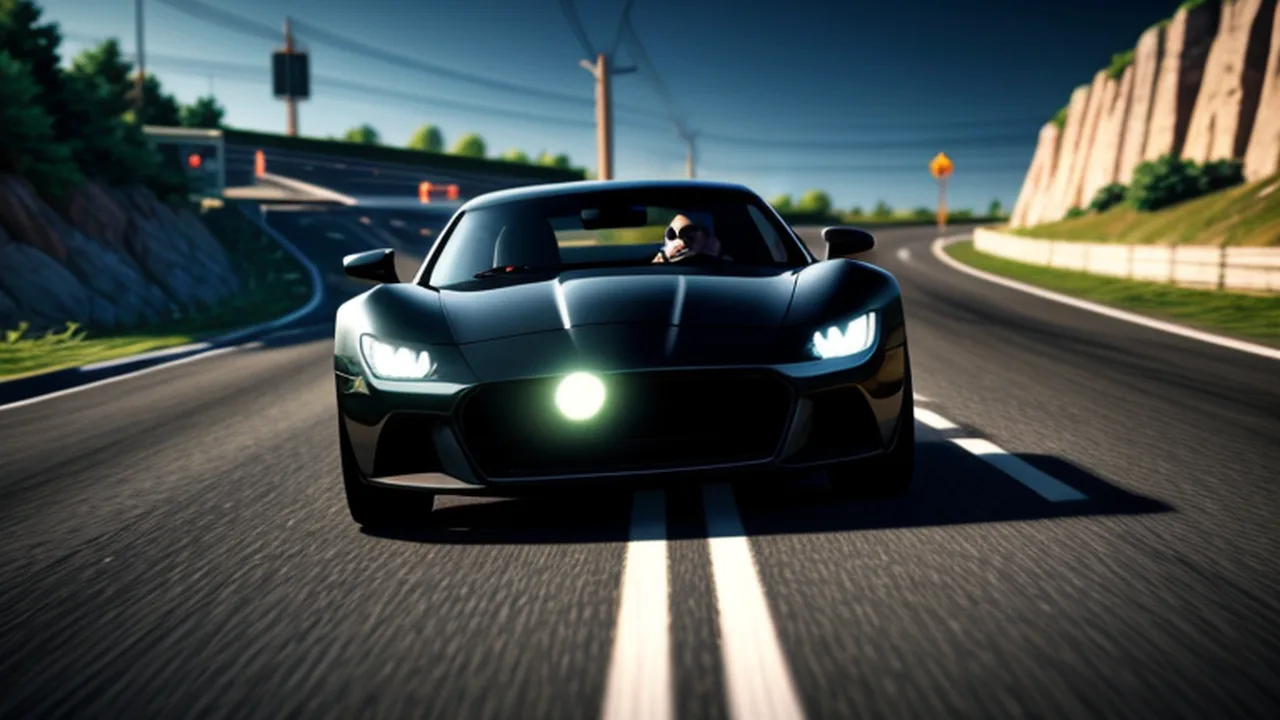
A search for “3D car driving class games” can lead to very different browser games. One asks you to park inside a marked space. Another asks you to find enough grip to climb a muddy track. A third lets you stay on the road for as long as you like. The easiest way to choose is to decide what you want to practice in the game. Turning a large vehicle through a tight opening, finding a suitable line across a dirt course and keeping a steady pace on a scenic road each give you a different kind of result.
These are games for learning their own controls and virtual vehicles. Their physics, road layouts and camera angles vary. Open the current game and read its prompts before deciding what inputs it supports. If you switch from a keyboard to a touch device, make one short movement where you can see what changed. That is usually enough to tell whether the layout works for you.
Learn how much space a long vehicle needs
Bus Parking Unblocked gives you a marked parking destination and a bus that needs room to turn. Start by locating the target and the last opening that leads to it. Then look back toward your current position and identify where you could begin to line up. A direct turn toward the opening can look tempting when you are far away. On a narrow course, it often helps to arrive with the bus already pointed closer to the direction you want to go.
As you move, look at what both ends of the bus are doing. The front can pass a cone or barrier comfortably while the back still needs to complete the turn. Give yourself time to see when that happens. Once the bus is moving through the opening at a useful angle, pause your steering input and watch where it goes. Make a small correction when there is room to see the result, then continue. Several adjustments at the same time can hide which movement actually got you closer.
The game offers a rewind as a way to revisit a mistake. Use it to return to a point where you had at least two possible approaches. If you roll back only to the moment of contact, you may be stuck with almost the same path. Back up to the decision immediately before it, choose a distinct starting cue, then see whether the new approach gives the vehicle more space. Once the change works, see if you can make the approach in one attempt.
Learn the shape of an offroad course
Offroad Buggy Racing runs across dirt, mountain, desert and mud environments. The current game uses W to accelerate, S to brake or reverse, and A or D to steer. Space is for the handbrake, and Shift gives you a boost. Those controls can change your speed and direction quickly. On the first pass, observe how much room the terrain gives you to make each change instead of trying to use everything on the first lap.
Pick an open bend and watch how the buggy changes direction as the surface changes. If a slight steering input takes you wide, change the entry on another attempt. Try arriving at the bend with less speed and see whether you can leave it more cleanly. A successful turn gives you enough room to see the section after it. Use a short handbrake input only when you can watch where the buggy comes out. On an unfamiliar track, save the boost for a straight you can see beyond the point where it starts.
A ramp is a good place to judge how the approach affects what happens next. Find the landing area first. Then look at the path you will need after touching down. If another turn comes quickly, give yourself a clear alignment before leaving the ramp. On a run where the buggy lands badly, check the speed and direction at takeoff before deciding whether to change an upgrade. An upgrade can be useful, and an earlier adjustment can also make the same course easier to read.
Change the view and find a repeatable pace
Slow Roads offers an open-ended drive through generated scenery. This browser player gives you an alternative to a timer or marked parking spot. Start with a few quiet turns and find a speed at which you can look beyond the current bend. Once you have a little room, try the available camera control and see what it changes about the scene you can read ahead. Leave the rest of the setup alone during that comparison so the result is easy to see.
An exterior camera may help you tell where the car is positioned in relation to the edge. A closer view may make the road itself easier to read. Pick the view that helps you keep enough attention on both the current position and the upcoming change in direction. When you reach a rise or a curve that shortens the view, give yourself extra time to react. Bring the speed back up on a stretch where you can see what you are driving toward.
On this outing, choose a stopping point other than a score. It can be a clear view, a long stretch where you do not need to make a big change in direction, or the moment you reach the end of a cluster of bends. Notice which part actually felt relaxing. You can use a similar kind of route as the starting point next time, even when the environment has generated a different road.
Choose a practice task you can see through
For a brief session in the bus game, choose one parking entrance. Run it once to see where the vehicle changes direction and again to see if a different start leaves more room. End when you have a visible explanation for how you reached the marked area. That is useful progress even if you only had time for part of a level. When you return, you already know how one corner or opening behaves.
For a longer session in the buggy game, choose a course that gives you several surfaces to compare. Take the opening of the track as a lesson in what each control does on the dirt you can see. Keep the same buggy for a few attempts and choose a single turn, slope or ramp to work on. If you change your vehicle or an upgrade later, start with that part again. Comparing the same kind of section is easier than trying to explain a difference across a whole race.
In Slow Roads, pick a simple goal that fits the landscape rather than a rule from another game. Follow the same road until you reach a certain type of view. Try a camera only when you have enough space to read what changed. If the vehicle leaves the road, use the reset input shown in the player and choose a comfortable pace when you continue. You can end with a clear idea of what you liked about the view even if you never cared where the road ended.
Check what makes the game feel hard to control
If a driving key moves the web page, click the player and test it again in space. If the car responds but moves much farther than you expect, try a shorter input and give it a moment before correcting. If the whole scene looks uneven even when the road is straight, try a setting that gives the game less visual work if it offers one. Repeat a small part of the same route so you can tell whether the problem was input, motion or the view.
On a phone or tablet, check that the active game offers controls you can reach without hiding the next corner. Give a different orientation or view a short test if the player supports one. Make the test in a part of the level that gives you time to read it. A tight parking entry is a poor place to learn where the view goes when your finger covers the middle of the scene. Once you can take one turn and see where it ends, decide whether the game fits the device.
Pick the driving game that suits the next few minutes
Use a parking challenge when you want a defined finish and a reason to plan an approach. Try offroad racing if you want to see how a jump, surface or upgrade changes the next part of a run. Open Slow Roads when you want a little freedom to adjust the pace and view. Start with the one task you would enjoy repeating. You can get a better sense of which game you want to stay with by driving through one recognizable section than by skimming through every feature in the menu.
A timed level and a free drive also give you different reasons to restart. After a parking collision, go back to learn the setup for that precise turn. After losing a race, compare the place where you lost time with the next place where you could recover it. On an open road, reset when getting back to the route takes more attention than the drive itself.