































Nextbots Backrooms Sandbox: Weapons, Monster Spawns and Safer Movement
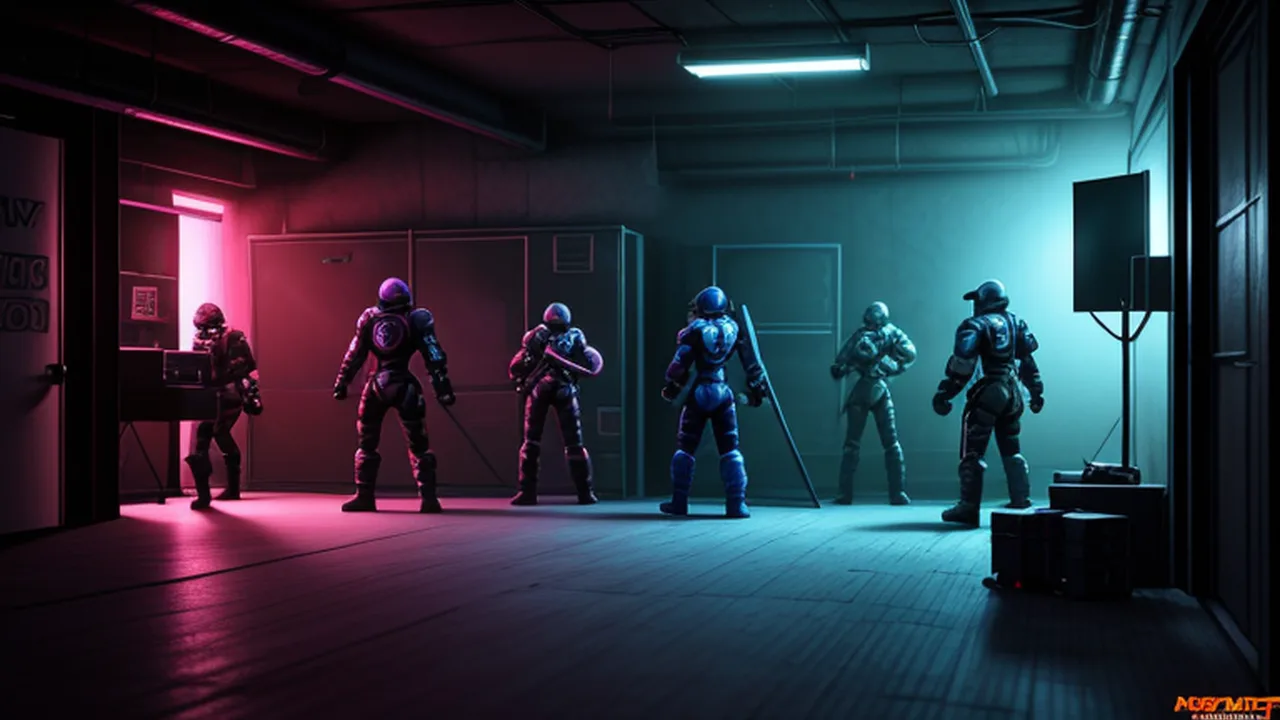
Nextbots: Backrooms Sandbox gives the familiar nextbot label a specific setting and objective: a space military base on an asteroid, weapons to collect and monsters to fight. It is worth identifying that exact game before following advice about yellow corridors, hiding systems or reaching an exit. Those ideas may belong to other titles, while this version is presented as a shooting sandbox in which destroying monsters earns points.
This guide explains how to make an opening session understandable, prepare before summoning threats and judge a position through the actions available to you. The aim is a practical plan for the version hosted on BestCrazyGames. Learn its current interface and controls first, then use a small encounter to understand the relationship between movement, weapons and the enemies you introduce into the space.
Begin with the actual sandbox
Open Nextbots: Backrooms Sandbox and read the opening interface. The supplier identifies the starting location as an asteroid military base and describes guns scattered around the area. A portal gun is used to summon enemies. The stated scoring task is to destroy as many monsters as possible and collect points toward a leaderboard position.
That combination gives you a different starting question from a pure escape game. Before worrying about a distant exit, determine what equipment you can obtain and how to take a useful position. You are preparing to act within the sandbox, not following an assumed story route through a particular set of liminal hallways.
The game name is still useful for finding the correct page, but it does not explain every rule by itself. Similar words appear in several separately hosted titles. Keep the game interface, current equipment and visible feedback as the basis for decisions, rather than transferring another nextbot game's enemy rules or shortcuts without checking.
Make the opening interface comfortable to read
The loaded game's menu includes Start New Game and Settings. The settings screen shows sound and music controls, look sensitivity and UI button size. Those are distinct options: one concerns the response of the view, another concerns the size of interface buttons, and the audio switches affect what you hear.
Before making a change, identify the problem you are trying to solve. If the view is difficult to control, investigate the relevant sensitivity option. If the visible buttons are difficult to read or select, examine their size. Changing several settings together makes it harder to tell which adjustment helped.
You can also leave the initial values in place while learning the basic actions. An opening menu is an opportunity to understand the available options, not a requirement to optimise every setting. Begin with a setup in which you can see the play area and read prompts clearly, then revisit a specific option if an actual difficulty appears.
Separate exploration from starting an encounter
Use the first part of the session to understand the space and equipment. Look at how the paths around your position connect, where a useful weapon is available and which direction would let you continue moving. This gives later decisions a reference point. Wandering without noticing those relationships leaves you with less information when an enemy demands attention.
A weapon on the ground is an opportunity to inspect the game's pickup prompt and the equipment that becomes active afterward. Check the current selection before treating the next input as a shot. A pickup, a selection and a firing action are different events, even when they happen close together during play.
Keep the opening goal limited enough to explain. For example, learn how to reach one weapon and return to an area you recognise. Once you can describe that route, decide whether the position offers room to act. The point is to make the beginning repeatable in your own understanding, rather than memorise an unverified list of weapon locations.
Prepare before using the portal gun
Press Tab on a keyboard to open the Select Enemy screen and inspect the available portraits. With the portal gun active, a left mouse click summons the selected enemy. The portal gun's purpose is to introduce threats into the sandbox. Treat that as a deliberate change to the situation. Before using it, know which weapon or action you intend to use afterward and where you could move if the new threat makes the current position uncomfortable.
Look at the immediate surroundings rather than only at the place you expect to see a monster. A position can give you a clear view in one direction while leaving an awkward continuation elsewhere. Identify a direction you can actually use, then reassess after the enemy appears. Your plan should fit the scene that materialised, not only the one you pictured beforehand.
For a learning encounter, concentrate on observing the consequence of a summon. Notice where your attention goes, whether the current equipment is ready and how much of the surrounding space remains easy to read. If the attempt becomes confusing immediately, investigate that opening decision before adding more complexity.
Use movement to keep the next decision possible
Movement is useful when it preserves an action you can take next. Before entering a confined position, think about whether you will still be able to turn, continue moving or reorient the view comfortably. Do not assume a surface provides a special form of cover or blocks a particular enemy unless the game gives you evidence of that behaviour.
During an encounter, distinguish looking from changing position. You may see the direction you want to go without having reached a position that makes it easy to follow. Keep the intended route simple enough to execute while reading the threat in front of you. A complicated sequence is harder to assess when you are still learning the inputs.
After an uncomfortable exchange, review the position you entered before the final moment. The decisive problem may have been a route that left few choices rather than the last aiming adjustment. On a later attempt, change that earlier decision and compare whether the next action becomes clearer.
Connect equipment choices with visible feedback
The supplier's stated objective rewards destroying monsters with points. Watch the feedback produced by the current encounter before drawing conclusions about a weapon. The fact that a shot or action was attempted does not by itself establish which target was affected or how the score changed.
Pick a specific observation for an early test. You might want to recognise the currently selected weapon, distinguish a successful hit from an uncertain action or understand the score response after an enemy is destroyed. These are learning goals you set for yourself, not additional missions or rewards claimed to exist in the game.
Let one result become understandable before changing equipment and position at the same time. If the next encounter differs, you will have a clearer basis for comparison. Avoid assigning a particular damage value, firing rate or ammunition rule to an item simply because it resembles a weapon from another shooter.
Interpret the leaderboard objective carefully
The game's description presents points and a leaderboard as part of the challenge. That can provide a longer-term reason to improve how you manage encounters. First learn the actions that produce a clear result, then consider how a more controlled sequence could improve the score you are trying to achieve.
A leaderboard reference does not explain every aspect of an online session. Check the interface for the options it actually offers before assuming a shared live lobby, cooperative team system or particular opponent arrangement. Comparing scores and playing alongside another person are different features, and the current version's menu should guide that choice.
For a short visit, a useful result can be understanding one encounter rather than reaching the top immediately. Note the decision you would change next time. For a longer session, compare several attempts around the same question so that improvement is connected with an action you can identify.
Learn from an attempt that ends badly
Start the review with a concrete description. Perhaps you summoned a threat before identifying the next weapon, entered a position without a clear continuation or changed the view so abruptly that you lost the route you intended to use. Describe what happened without inventing a hidden rule to explain it.
Choose a single correction for the next available attempt. Prepare the equipment sooner, select a simpler route or make the opening movement easier to read. If that adjustment helps, keep it long enough to understand its effect before adding another. A clear comparison is more informative than repeatedly entering a larger or more complicated situation.
Also check the current pause, restart and exit controls before relying on an interruption. The sandbox setting does not establish a particular save system, and a menu option found in another game should not be assumed here. Learn what the loaded version offers at the moment you need it.
Choose a related collection with the same care
The Nextbots in Backrooms Game collection is another browsing route on BestCrazyGames. Its cards include other sandbox and action-themed games as well as this title. Open an individual page before expecting the asteroid setting, portal-gun summons or scoring objective to apply to a different card.
The broader Shooting category offers further comparisons. Some games place more emphasis on aiming, others on movement or another arrangement of enemies. Use the objective and controls of the selected title as the basis for that comparison, keeping the instructions for separate builds distinct.
A strong opening plan for this sandbox is straightforward: identify the equipment, learn a usable route and be ready for the enemies you summon. Observe what changes after an action, make the next decision from the actual position and use the score as feedback after you understand the encounter. That approach gives each retry a practical purpose.