































Tennis Master: The Ultimate Court Showdown
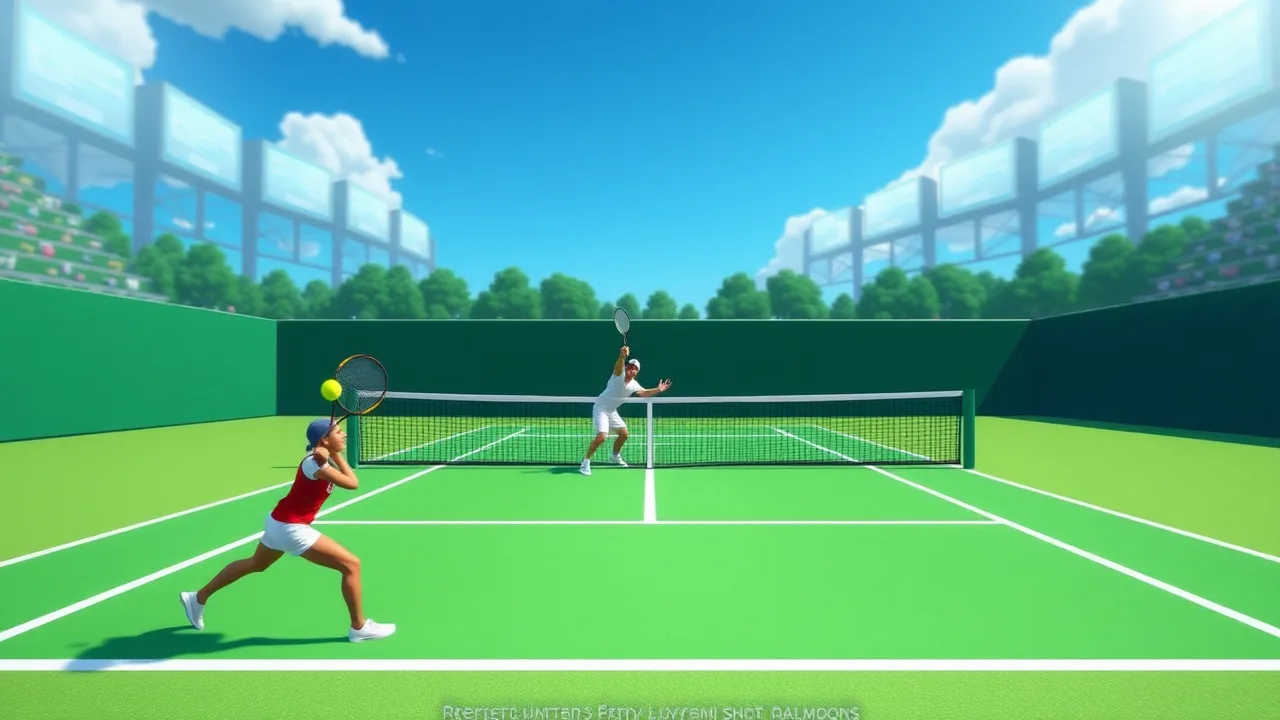
Stepping onto the digital court in Tennis Master feels like a high-stakes Grand Slam final where every pixel matters. Unlike traditional simulators that get bogged down in overly complex physics, this game strikes a perfect balance between approachable mechanics and a surprisingly high skill ceiling. You aren't just hitting a ball; you are managing court positioning, timing your swings to create devastating angles, and trying to outmaneuver an opponent who is constantly looking for a gap in your defense. It captures that rhythmic back-and-forth tension that makes real-world tennis such a compelling sport to watch and play.
Whether you are looking to kill a few minutes between tasks or want to climb the ranks in a more serious session, the game provides a polished experience. The visual style is clean, allowing you to focus on the trajectory of the ball rather than getting distracted by cluttered backgrounds. There is a genuine sense of satisfaction when you nail a cross-court winner just out of the reach of your rival. You can jump straight into the action at Tennis Master via this link and start your journey toward becoming a court legend. The game manages to feel fresh even after dozens of matches because the AI adapts, forcing you to constantly refine your strategy and shot selection to stay on top of the scoreboard.
Free to Play Unblocked Tennis Master 🎾
Finding a high-quality sports game that works seamlessly in a browser can be a bit of a gamble, but Tennis Master delivers a premium feel without the price tag. Because it is designed for accessibility, you can enjoy the full experience as a free to play unblocked Tennis Master session regardless of whether you are at home or using a restricted network. The developers optimized the code to ensure that lag doesn't ruin your serve, which is crucial for a game where milliseconds determine if a ball stays in play or hits the net.
The beauty of this unblocked version is that it requires no heavy installations or high-end hardware. It runs smoothly on most standard browsers, making it a go-to choice for students or office workers looking for a quick competitive break. You get the full roster of characters and all the tournament modes without hitting a paywall. The game feels snappy, responsive, and surprisingly deep for something you can launch in a single click. It’s rare to find a web game that respects the player's time while offering enough mechanical depth to keep things interesting over the long haul.
Standout Features of Tennis Master 🌟
When you dive into the core of the game, several elements help it rise above the sea of generic sports clones. The most impressive aspect of Tennis Master is its character progression and the variety of playstyles available. You aren't just playing with a generic skin; different characters have subtle variations in speed, power, and reach. This forces you to think about how you approach each match. If you are playing a faster character, you might focus on defensive lobs and exhausting your opponent, whereas a power-based character allows you to end points quickly with aggressive volleys.
Another highlight is the tournament structure. Instead of just playing isolated matches, you can work your way through a bracket, which adds a layer of emotional investment to every serve. The physics engine, while stylized, feels intuitive. You can actually feel the difference between a flat shot and a sliced one, giving you the tools to play a tactical game rather than just button-mashing. The sound design also deserves a nod, as the "thwack" of the racket hitting the ball provides excellent tactile feedback that confirms you timed your swing perfectly.
Tennis Master Gameplay Basics 🎮
At its heart, the game is about mastering the court. The Tennis Master gameplay basics revolve around two primary concepts: positioning and shot variety. You aren't tethered to the baseline; in fact, staying in one spot is a one-way ticket to losing the set. You need to read your opponent’s body language and the ball’s shadow to predict where it will land. Moving toward the net can apply immense pressure, but it also leaves you vulnerable to a well-placed lob.
Learning how to alternate between power shots and drop shots is what separates a novice from a true champion. If you keep hitting the ball back to the center, the AI will eventually find an angle you can't cover. By using the directional keys in tandem with your swing, you can "paint the lines," sending the ball to the extreme corners of the court. It’s a game of geometry as much as it is a game of reflexes. Once you get the hang of the movement, the gameplay becomes a flow state where you are reacting instinctively to every bounce.
About Tennis Master Essentials 📖
If you are new to the franchise, there are a few Tennis Master essentials you should know before starting your first tournament. The game is built on a "pick-up-and-play" philosophy, but it hides a lot of nuance under the surface. It’s a 2D-perspective sports game that emphasizes timing and spatial awareness. The goal is simple: win two sets to take the match. However, the varying court surfaces can slightly alter how the ball bounces, mimicking the differences between clay, grass, and hard courts in professional circuits.
The game also features a local two-player mode, which is arguably where the most fun is had. Competing against a human opponent introduces a level of unpredictability that even the best AI can't match. You can bait your friends into overcommitting to one side of the court before firing a shot into the open space. The interface is clean, showing your stamina and the score clearly so you can focus entirely on the match. It’s a well-rounded package that honors the spirit of the sport while keeping the mechanics fun and arcade-like.
How to Play Tennis Master Guide 🎾
Starting your career is straightforward, but our how to play Tennis Master guide will help you skip the frustration of early losses. When the match starts, you initiate a serve by tossing the ball and hitting it at the peak of its arc for maximum velocity. Once the ball is in play, use your movement keys to stay centered. A common mistake beginners make is chasing the ball to a corner and staying there; always try to return to the "T" at the center of the court after every hit.
To win points, you need to vary your shot depth. Using the "up" or "down" modifiers while swinging will change the arc of the ball. A short, angled shot can draw a baseline player toward the net, setting them up for a powerful smash on the next return. Don't forget to keep an eye on your character's positioning relative to the ball's bounce. If you are too close, you'll hit a weak return; if you are too far, you’ll miss entirely. Practice your timing in the exhibition mode before jumping into the high-stakes tournaments.
Control Setup Tips ⌨️
For those playing on a PC, the default controls are designed to be ergonomic. You typically use the WASD or Arrow Keys for movement, which allows for precise positioning. The primary action keys (usually X and Z or Space) handle your different swing types. One of the best control setup tips is to get comfortable using both hands simultaneously; your left hand manages the footwork while your right hand dictates the power and direction of the shot.
If you find the default mapping a bit awkward, many browsers allow for extension-based remapping, though the native setup is usually the most responsive. The game also supports certain gamepads if your browser detects them, which can offer a more "console-like" feel. Regardless of your hardware, the key is consistency. Since the game relies on frame-perfect timing for "Great" or "Perfect" hits, using a mechanical keyboard or a wired connection can help eliminate the tiny bits of input lag that might cause a ball to go out of bounds.
Advanced Tips and Tricks To Win 🏆
Once you’ve moved past the basics, you need a more sophisticated strategy. One of the most effective advanced tips and tricks to win involves the "Stamina Drain" tactic. By constantly hitting the ball to opposite sides of the court, you force the AI or your opponent to sprint. Eventually, their movement speed will drop, making it nearly impossible for them to reach a well-placed drop shot. It’s about playing the long game rather than trying to win every point on the serve.
Another pro-level move is the "Fake Volley." Charge toward the net as if you’re going for a smash, which usually triggers the opponent to attempt a lob. If you anticipate this, you can backpedal slightly and hit a devastating overhead shot. Also, pay attention to the wind or court speed if the specific level includes those modifiers. Sometimes, hitting a ball with less power but more angle is more effective than a full-power blast that goes straight to the opponent’s racket. Precision almost always beats raw strength in higher-level play.
Common Questions FAQ ❓
Can I play Tennis Master with a friend on the same computer? Yes, the game features a local multiplayer mode where two people can use different parts of the keyboard to compete against each other in a head-to-head match.
Is there a way to unlock more characters? Progression in the tournament mode usually allows you to unlock new athletes with better stats or unique appearances, giving you a reason to keep playing.
Does the game save my progress automatically? Since it is a browser game, your progress is typically saved via cookies or local storage. Just make sure you don't clear your browser data if you want to keep your tournament standings.
What is the best way to handle a power serve? The best strategy is to take a step back from the baseline. This gives you more time to react to the ball's speed and ensures you can get a solid return back over the net.
Is Tennis Master available on mobile devices? While primarily designed for desktop browsers, many modern mobile browsers can run the game using touch-screen overlays, though a physical keyboard is recommended for the best experience.
Latest Updates for Tennis Master 🔄
The developers have been active in refining the experience, and the latest updates for Tennis Master have introduced several quality-of-life improvements. Recent patches have focused on AI balancing, ensuring that the "Hard" difficulty feels challenging due to better strategy rather than just impossible reaction times. They have also tweaked the physics of the ball on different court surfaces, making the distinction between grass and clay more noticeable to the player.
New character skins and court environments have also been added to keep the visual experience fresh. These updates often include "under the hood" optimizations that help the game load faster on slower internet connections. By keeping the game lightweight but feature-rich, the developers ensure that the community stays active. It’s worth checking back every few months to see if new tournament tiers or seasonal events have been integrated into the main menu.
Troubleshooting Quick Fixes 🛠️
If you encounter issues like the game freezing or not loading, there are a few troubleshooting quick fixes you can try. First, ensure that your browser's hardware acceleration is turned on in the settings, as this helps render the 2D graphics more smoothly. If the game feels laggy, closing other tabs that are consuming high amounts of RAM (like YouTube or heavy social media sites) can often resolve the stuttering immediately.
Sometimes, a simple page refresh is all it takes to fix a glitchy UI. If the controls aren't responding, click inside the game window to ensure it has "focus" from your operating system. For those playing on school or work networks, using a mirrored site or checking your firewall settings might be necessary if the primary URL is blocked. Most issues are related to browser cache, so clearing your temporary files can provide a clean slate for the game to run perfectly.
Discover more exciting browser games like Tennis Master by visiting BestCrazyGames.