































unblocked scary games guide that actually spooks and teaches
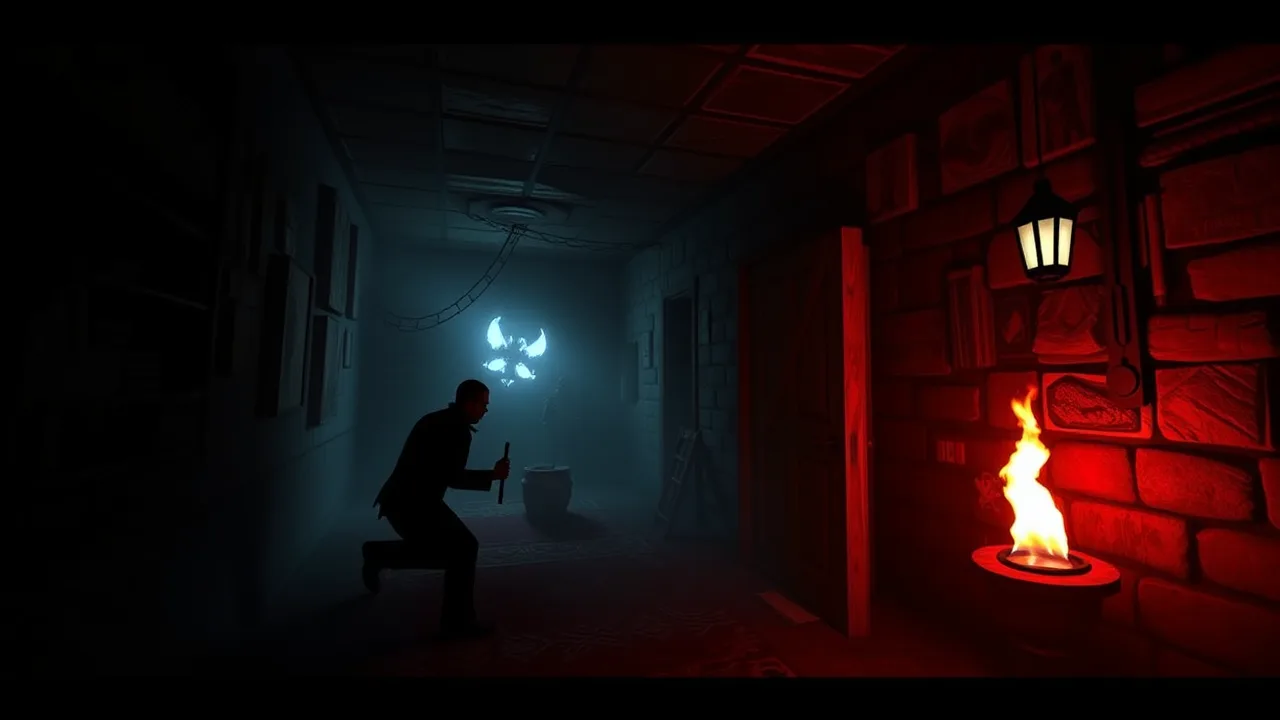
Horror only lands when two things click at the same time: the vibe gets under your skin and the rules stay readable enough that you don’t feel cheated. That’s the entire promise behind unblocked scary games. They load fast, they run on almost anything, and when they’re well made, they turn a quiet study hall or a late-night browser tab into your own little haunted hallway. This guide gives you a no-nonsense playbook: how to pick good titles, how to stay calm when the audio spikes, how to push difficulty without losing your nerve, and how to make your sessions feel like a mini-season instead of random jumps.
Before we dive, park one clean knowledge link in the back of your head: the genre fundamentals live on the Wikipedia page for the modern horror video game. It explains why readable spaces, audio cues, and tension-and-release loops keep you on the hook even when a level is mechanically simple. If you’ve ever wondered why an empty corridor can feel scarier than a monster, that’s why.
🧭 Where to play right now without the hassle
You want a legit starting point, not twenty tabs. Open this curated horror hub and grab a short session. Treat your first run like a warm-up, not a speedrun. That page keeps things tidy, loads on school or office hardware better than you’d expect, and lets you bounce between bite-size frights and slightly longer tension crawls. Keep it lean: one hub, one headset, lights low.
This is also where unblocked scary games shine. You don’t need a giant install or a paid account to get spooked. You need a browser that isn’t drowning in background tabs and headphones that aren’t dropping out every ten seconds.
🧠 Why scares work: four design pillars you’ll feel in your bones
Horror games succeed by messing with your expectations, not by nonstop shouting. Good designers use a few classic tricks you’ll start to notice after a night or two:
-
Uncertainty beats difficulty. The best tension comes from not knowing whether the next room is safe. A simple lock-and-key puzzle gets scary when your flashlight flickers or a hallway is just a little too long.
-
Audio tells secrets. Footsteps behind walls, soft music shifts, and low drones all telegraph danger long before a model appears. If a game wants you to panic, it starves you of information and then spikes the volume when you relax.
-
Constrained power. Limited batteries, slow doors, scarce healing, or a sprint bar that empties at the worst moment make escape feel earned. These limits are a survival horror staple and they’re easy to reproduce in a browser.
-
Payoff after patience. A long quiet section followed by one unfairly loud moment is the jump scare formula for a reason. It’s cheap when abused, but used sparingly, it’s jet fuel.
When you can name the trick, you can manage your fear without killing the fun.
🔧 Setup that makes the fear crisp, not messy
-
Fullscreen on, notifications off. Your brain can’t stay immersed if a chat bubble keeps dancing in the corner.
-
Wired audio if possible. Bluetooth adds little delays that throw off timing. When everything is a fraction late, scares feel clumsy instead of sharp.
-
Frame pacing over fancy. Close heavy tabs. Horror leans on audio and timing more than particle fireworks.
-
Chair, screen, room. Sit centered, screen at eye level, and drop the room lights a notch. A tiny halo lamp behind the monitor reduces eye strain without killing mood.
Good news: none of this requires spending money. It requires discipline, and discipline is free.
🧪 A 15-minute “fear lab” to get you acclimated
If you sprint straight into nightmare mode, your hands and eyes argue all night. Warm up instead:
-
Quiet map walk
Spend two minutes just walking. Listen for ambient loops. Count how often the soundscape changes. Learn the game’s language before it starts yelling. -
Sightline drills
Pick a corridor, move halfway, back up, then strafe across the opening. Practice peeking without fully committing. The moment you see motion, step back, breathe, re-peek. Repeat for two minutes. -
Inventory routine
If the title has batteries or keys, create a habit: tap inventory, scan, close. You should be able to check supplies without looking down or breaking flow. -
Sprint rhythm
Practice three-second sprints with one-second walks in between. That cadence matters when a chase flips on. -
Courage reps
Find one door you hate. Open and close it five times. Linger once. Your nerves will smooth out quickly when you make the scary thing boring on purpose.
Nice side effect: you will finish more levels because fear stops eating your inputs.
🧭 Picking good browser horror: a simple three-check filter
-
Readability. Can you tell where to go within ten seconds of entering a room? If not, you’re fighting the camera, not the monster.
-
Audio intention. Are the footsteps and stingers communicating or just blasting? Look for patterns that reward listening.
-
Choice density. Do you make real decisions every minute, or are you only holding W and hoping? The best small titles ask you to gamble often, even with tiny stakes.
If a game clears those checks, it’s worth your time.
🎯 How to win more with less panic
-
Commit to corners. When a hallway is loud and long, hug one side. Reduce the angles that can surprise you.
-
Reserve the sprint. Sprint less than you think. Treat sprinting like a potion.
-
Count while you breathe. Inhale on two steps, exhale on two steps. Your heart rate will obey, which means your hands will obey.
-
Name your monster. The moment a threat appears, give it a nickname based on behavior: “door camper,” “window crawler,” “shadow sprinter.” Naming turns chaos into a routine to solve.
If you feel silly, great. Humor loosens your jaw and keeps your aim.
🧩 Level patterns you’ll see again and again
-
Locked loop. You find a key that opens a room that hides a clue that opens a hall that contains the key you actually needed. The scare lands during the second loop when the route back is “safe.”
-
Chase corridor. Audio ramps, lights fail, and all that matters is not tripping on geometry. Ignore collectibles. Live first. Loot later.
-
Elevator wait. A progress bar plus footsteps equals stress. Position your back to a corner and watch two angles max.
-
Fake safety. Bright rooms, friendly notes, and low music. Something is wrong. Move slower, not faster.
Once you recognize the pattern, your choices get smarter.
🕹️ Turn your night into a mini-season
Structure beats chaos. Try this flow for a two-hour session:
-
Appetizer: two ten-minute titles to get your ears tuned.
-
Main course: one longer scenario with puzzles or stealth.
-
Cleanser: one silly or short shock-fest to laugh out the tension.
-
Finale: revisit the main course and clear the part that bullied you earlier.
You’ll end with a win instead of a question mark.
🧱 Tech and access tips for school or office machines
This is the practical heart of unblocked scary games: they tolerate weak hardware and restrictive environments better than most genres.
-
Chromebook comfort. Keep only the play tab open. Enable hardware acceleration in settings if an admin hasn’t locked it.
-
Network hiccups. If a WebGL title stutters, reload once after closing extra tabs. Big jumpscalers hate crowded RAM.
-
Input sanity. On shared keyboards, remap actions so you’re not colliding with system shortcuts. Touchpads work in a pinch, but a basic wired mouse steadies nerves.
If nothing else, remember this: stability first, then scares.
📚 A quick genre primer so you sound like you know stuff
Horror video games live and die on presentation. Unlike genres classified almost entirely by mechanics, horror gets its identity from tone and visual narrative even when the input scheme is simple. Survival horror dials this up by limiting your power and asking you to solve small spatial puzzles while half blind. The genre has spent decades refining the tension of being under-equipped and over-committed, and modern browser entries borrow the same playbook.
💡 Coaching tips for creators and modders
Some of you don’t just play; you build. If you’re tweaking a level or whipping up a small scare of your own, steal these rules:
-
One emotion per room. If the room is “dread,” do not also make it “puzzle chaos.”
-
Audio truth. Sounds should tell the player something useful. If a groan plays, it should imply direction or distance, not just noise.
-
Contrast equals fear. Bright to dark, loud to quiet. Give players breath, then take it away.
-
Exit signage. Always let a careful player spot a safe path, even if it is risky to reach.
If your scare depends on pure guesswork, it will work once and then feel cheap forever.
🧰 Self-care without breaking the mood
Horror is fun until your shoulders touch your ears. Keep the vibe and protect your brain:
-
Micro breaks. Two minutes every thirty. Stand, roll wrists, blink.
-
Hydrate. Dry eyes make you misread silhouettes.
-
De-escalation track. End with a comforting puzzle or platformer for five minutes so you don’t carry the adrenaline to bed.
Finish calmer than you started. That’s mastery.
🧠 Social play rules that avoid chaos
If you’re streaming in a dorm or playing with a friend over voice:
-
One talker at a time. Horror needs silence.
-
No backseat jumps. Saying “he’s right behind you” ruins the payoff.
-
Clip what delights, not what humiliates. You’ll keep friends longer.
Shared fear is a blast, but it needs guardrails.
🎯 A straight answer on difficulty and age
Not all titles aim at the same player. Some are pure atmosphere, perfect for younger teens who want to try the genre without nightmares. Others are intense chase-and-hide loops that will spike your heart rate. Read the first room and trust your gut. If you feel your chest crank up too high, step back. A good library has rungs on the ladder, not one giant jump.
🌒 The part where we admit jump scares can be great
Jump scares get a bad rap because lazy ones are everywhere. But when a designer holds you in a quiet scene for just a hair too long and then lands a sharp, honest shock, it’s cathartic. The trick is pacing. The scare needs silence to grow and a believable source when it finally hits. Use your volume knob and your breath. You’ll enjoy the payoff more.
🧭 Bringing it all home
Your best nights with unblocked scary games will be the ones where you control what you can control. Keep your tech tidy, pick titles that respect your time, and treat fear like a skill that gets trained. The game’s job is to unsettle you. Your job is to stay curious, keep your head, and smile when the hallway lights go out.
❓ FAQ about unblocked scary games
What are unblocked scary games, in plain English?
They’re browser horror titles that launch on school or work machines with restricted installs or permissions. Good ones deliver clean scares without heavy downloads by leaning on atmosphere, sound, and readable rules.
Where should I start if I’ve never played horror?
Begin with a short atmospheric piece and keep the headset volume moderate. Then try a chase-based title for contrast. Use this horror hub as your one-stop playlist.
How do I keep from panicking during a chase?
Breathe in for two steps, out for two. Commit to corners and protect your sprint bar for line-of-sight breaks. If you get lost, stop, listen, and re-orient. Panic multiplies dead ends.
Are jump scares just cheap tricks?
Overused, yes. In balance with quiet and good foreshadowing, they’re effective. Designers rely on the tension-and-release rhythm because you feel it in your body, not just in your head.
Can I play on a Chromebook or older laptop?
Usually. Close extra tabs, enable hardware acceleration if available, and run fullscreen. Horror rewards stable frame pacing more than visual flash.
How do I pick games that won’t waste my time?
Look for readability, intentional audio, and frequent choices. If a title fails two of those three, skip it and try another. Your attention is valuable.
What if I get headaches or feel too wired after?
Lower brightness, keep a small backlight, and finish with a calming non-horror game. A five-minute cool-down turns adrenaline into a pleasant afterglow instead of a sleep killer.