Decide what you want to do with the blocks
Building and navigating ask different questions of the player. In a construction sandbox, the interesting decision may be where to place the next piece and how to revise a shape. On an obstacle course, the immediate concern is reaching another surface. A combat game introduces a target and a threat instead. Similar graphics can make these activities look related while leaving the actual objectives quite different.
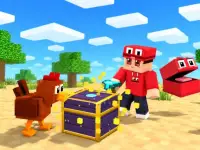
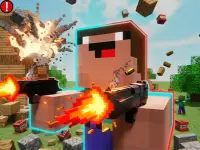
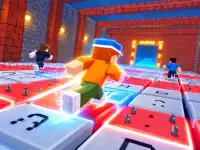
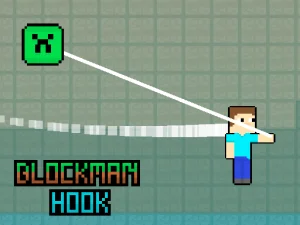
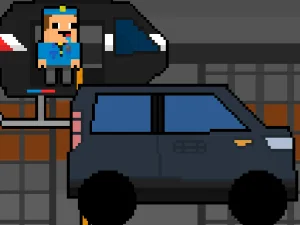
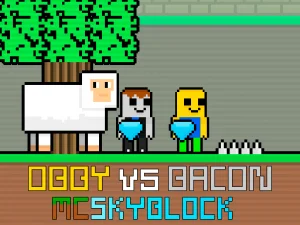
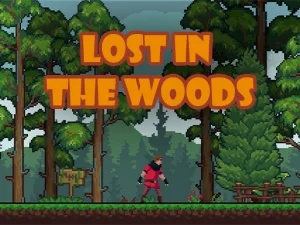
The current collection displays names such as Blockcrafter, Destroy Minecraft, Block Craft 3D School and Minecraft Rooftop Snipers. Check the selected game's description for the meaning of its title. A card does not establish that it offers the official Minecraft rules, the same inventory, a particular world size or compatibility with another game's saved progress. Start with the experience that is actually described on its page.
A verified building option in the wider catalogue
For a specific sandbox recommendation, Minecraft Unblocked Online has a documented embedded guide for moving around a cubic world and changing its structures. This is a direct recommendation from the wider BestCrazyGames catalogue; its position among the cards on this collection can change. Its visible guide uses WASD for movement and Space for jumping, with E labelled Remove, F labelled Put and Q labelled See.
Learn the placement and removal actions with a small structure before attempting something tall or complicated. A short wall gives you a clear way to check which position receives the new block. Walk around the result and inspect the other side. This makes an unintended gap easier to notice than it would be while adding several layers from a single viewpoint.
Think about access as part of the design. A structure that looks complete from outside may leave little space for moving through it. Keep a route around the work, and add height after you understand the outline. Trying a few materials can help distinguish neighbouring sections, although the available choices depend on the selected version rather than the collection label.
Read a course differently from a construction project
When a game's objective is movement, identify the next usable landing before concentrating on the scenery. Look at the character's current position, the direction of travel and the view available to judge the gap. A failed jump can come from a poor approach as well as from the moment of takeoff. Adjust one uncertain part on the next attempt so the result tells you something useful.
Camera behaviour also deserves a short trial. Some experiences use a viewpoint you can adjust, while others present the action from a fixed perspective. Check which arrangement the loaded game supplies. Do not transfer a mouse action or a keyboard shortcut from a building sandbox into another title simply because both display block figures.
Choose a comfortable session
For an exploratory session, set a small task of your own only when the chosen game allows that freedom. For a goal based game, use the stated objective instead: reaching a destination and finishing a construction are different measures of progress. An easy first task helps reveal whether the game suits the time and attention you have available.
Device support, online features and progress saving belong to the individual game. Read any information it supplies before relying on touch controls or returning to unfinished work later. The word unblocked in a title does not guarantee access through a school's or workplace's network. This collection helps you find block themed browser activities; the loaded version determines what you can actually control and accomplish.