Recognise the bicycle in MX OffRoad
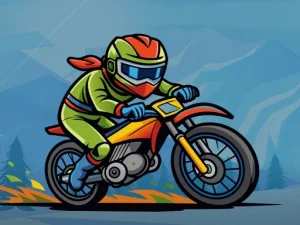
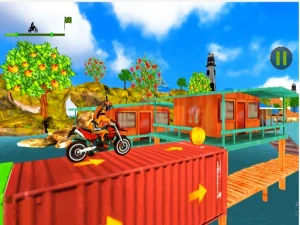
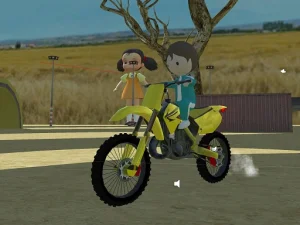
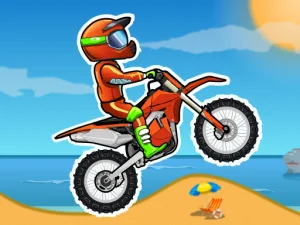
MX OffRoad Mountain Bike is a three-dimensional downhill bicycle game. The menu offers Mountain Ride, Free Ride and a Shop. Mountain Ride suits a session built around structured progress; Free Ride provides exploration with coins and diamonds contributing to rider customisation choices. The MX wording does not turn this bicycle into a motorcycle.
The game uses WASD and arrow-key groups. Read which controls belong to the rider in your selected single-player or local two-player setup. The distributor documents a respawn button and R for a stuck bike. If keyboard input affects the surrounding page, click inside the player before testing the riding actions again.
Prepare the crossing before reaching it
Look farther ahead than the bicycle's front wheel. Identify the approach to the next checkpoint, the room available on a narrow bridge and the landing after a ramp. Reducing speed before an awkward turn leaves time to align the bicycle instead of relying on a large correction in the middle of the crossing.
When an attempt becomes stuck or ends badly, recall the position that led there before using the respawn option. The useful change might concern alignment, approach speed or noticing the route earlier. Shop appearance choices should be read as the options actually described, rather than assumed to improve handling automatically.
Learn the motorcycle's driving response
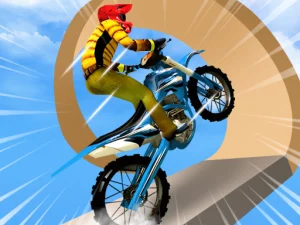
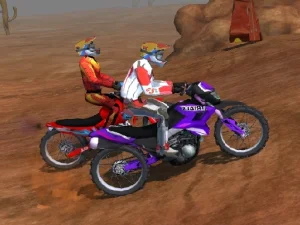
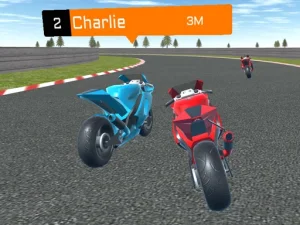
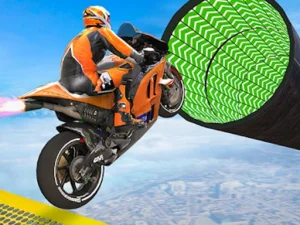
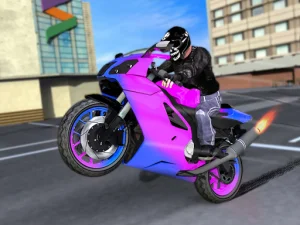
Motorcycle Stunt Racing combines AI bike races, obstacle courses and fast tracks. Its documented inputs are WASD to drive and Shift for nitro. The supplier describes unlocking bikes with increased power and performance as play progresses. Check the current interface for the choices and any further controls presented by the loaded version.
Start by learning how the selected bike reacts to ordinary driving. Give a nitro burst a purpose connected with the visible line. Adding speed is easier to evaluate once you understand the next passage than when you are still trying to determine how much steering the bike needs.
Consider the position after an obstacle or pass
Passing a course feature is more useful if the bike remains directed toward a continuation you can read. Inspect where you want to finish the movement as well as where you begin it. This connects the obstacle with the following section instead of treating every feature as a separate emergency.
The same idea helps when approaching an AI rival. Look at the space beyond the possible overtaking move before committing to it. If the manoeuvre leaves a poor next position, review the approach and timing rather than treating higher speed as the only available improvement.
Match a practice goal to the selected ride
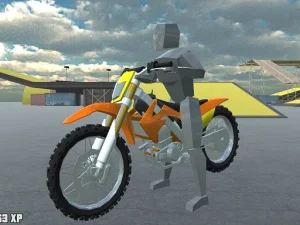
Choose MX OffRoad for bicycle positioning, downhill routes and the play setup actually offered by its menu. Its local two-player option should not be read as a promise of remote online racing. Choose Motorcycle Stunt Racing when you want to combine course reading with AI competition and the current bike progression.
For either activity, keep the next attempt specific. You can work on reaching a crossing in a straighter position, noticing a landing sooner or using nitro only after selecting a clear route. Browse another Motocross member when you want a different setting, and read its vehicle type and controls before assuming it works like the bike you just used.