































mahjong connect classic: The Browser Tile-Link Puzzle You Can Play Anywhere
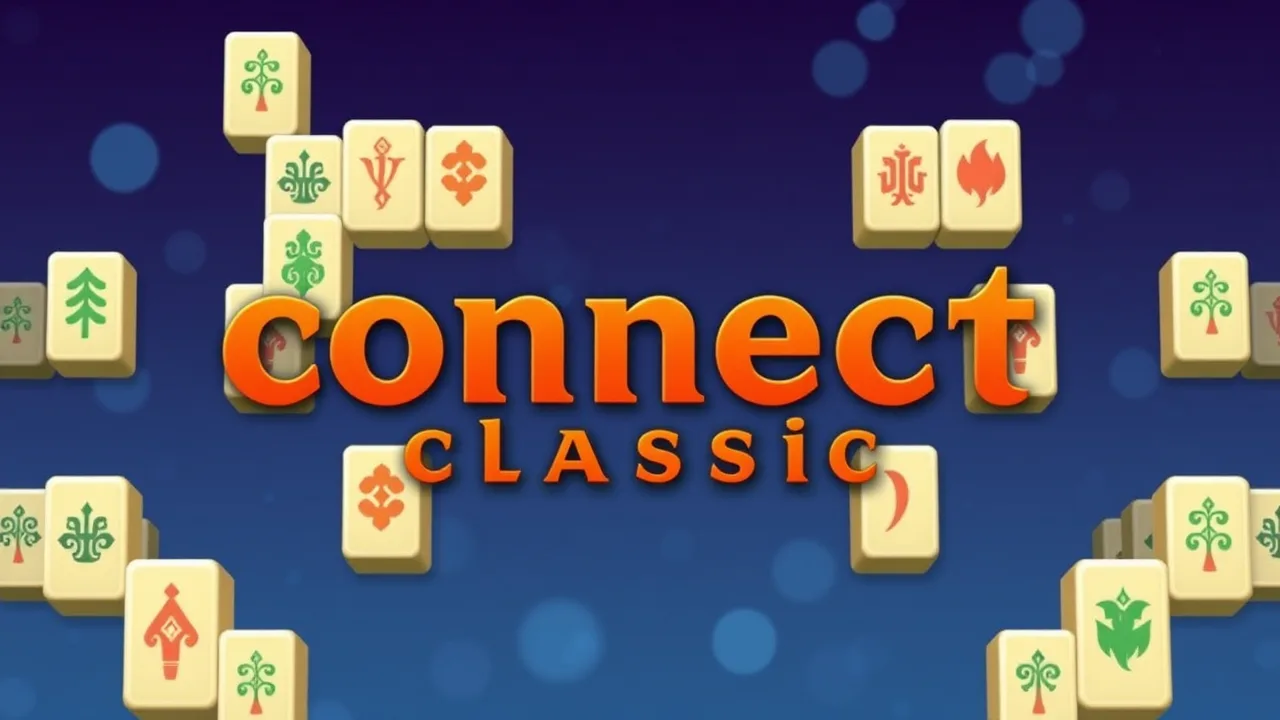
mahjong connect classic is the kind of puzzle that looks calm until you realize every click changes the future of the board. You are not building hands or learning complex scoring. You are clearing pairs, one smart connection at a time, using a rule that keeps things interesting: matching tiles must be connectable with a path that bends no more than twice. If you want to jump straight into a round, you can play it here: Mahjong Connect Classic. It is quick to start, easy to understand, and surprisingly satisfying once you get into the rhythm of clearing lanes and unlocking new routes.
🟢 Play mahjong connect classic Unblocked Instant Play
If you want a free-to-play, no-fuss puzzle that starts in seconds, mahjong connect classic is built for that exact moment. It runs directly in your browser, so it fits perfectly on school breaks, lunch breaks, and those tiny gaps where you want something satisfying but not exhausting. The rules are easy: pick two identical tiles and remove them if a path can connect them with up to two turns. What makes it feel unblocked-friendly is how self-contained each level is. You can clear a board in a few minutes, get that clean win, and move on. No accounts, no installs, and no waiting through long menus. If you are playing quietly at school or sneaking in a round at work, you can also pause mentally between moves, because the pace is yours. It is quick pattern recognition, light strategy, and a calm vibe that still rewards smart choices every time.
✨ Top Features of mahjong connect classic
mahjong connect classic stays fun because it keeps the core idea simple while layering in real decision-making. The path rule (no more than two turns) adds strategy without adding complicated menus or confusing mechanics. You get instant feedback, so you always know why a match worked, and you learn to spot legal routes faster over time. Levels scale in difficulty by changing the layout, not by changing the rules, which makes improvement feel fair. A timer adds healthy pressure, while tools like undo can rescue you from a risky experiment. Expect clear tile art, readable symbols, and a pace that still lets you think. Many boards create satisfying chain moments, where one match reveals another and you suddenly clear a whole corner. And because it is a browser game, it is easy to jump in on desktop or mobile, then switch devices without relearning anything at all whenever you want.
🧩 mahjong connect classic Gameplay Walkthrough
Start a level by scanning the edges. Tiles near the outside usually have more open space around them, which makes legal connections easier to find. Click one tile, then click its identical partner; the game removes them only if a valid path exists through empty tiles. Remember the rule: the link can be a straight line, or it can bend with up to two 90-degree turns. Early matches are often straight lines or single-corner links, so grab those first to create breathing room. Next, look for pairs that are blocking other pairs. Removing a blocker tile can open multiple new routes at once. Mid-level, switch to a rhythm: match, rescan, and plan the next moves. If the timer is getting tight, stop hunting everywhere and focus on one region of the board until it opens. Finish by clearing the last clusters while keeping one corridor of empty space available always.
📚 About mahjong connect classic Basics
Despite the familiar tiles, mahjong connect classic is not the traditional four-player tabletop game. It is a solo tile-link puzzle that borrows mahjong-style symbols because they are iconic and easy to recognize. Instead of building hands, you clear the board by removing identical pairs under a strict connection rule. The closest cousin is the family of connect puzzles where you link matching tiles with a limited-turn path. A well-known example is described on Wikipedia in the Shisen-Sho article, which explains the same idea of pairing tiles while keeping the connection path within a small number of turns. That connection limit is what creates the brainy part: you are not just matching, you are managing space. Add soothing visuals and a timer, and it becomes a mix of relaxation and logical reasoning. Each cleared pair creates new lanes, exposes new matches, and changes what will be possible later in the level.
🧠 Play mahjong connect classic Step by Step
Step 1: Pause for a moment and identify the most open areas, usually along the borders and corners. Step 2: Remove a pair that is clearly connectable, ideally one that also unlocks tiles behind it. Step 3: After every match, rescan the board section you changed, because new lanes appear immediately. Step 4: When you see three or four copies of the same tile, plan the order you remove them. Clear the ones that free space first, and save the pair that sits in the tightest area. Step 5: If you feel stuck, stop clicking randomly. Look for a match that removes a blocker between two regions, because it often opens several new options at once. Step 6: As the board thins out, keep an eye on the timer and finish the last clusters methodically, not frantically. Repeat this loop and you will start seeing legal routes, even on boards.
🎮 Touch Controls Guide
Controls in mahjong connect classic are intentionally simple so your attention stays on the puzzle. On desktop, use the mouse to click a tile, then click its identical partner to attempt a connection. On phones and tablets, you do the same with taps: tap one tile to select it, tap the matching tile to confirm. If the path is legal, the pair disappears instantly. If nothing happens, it usually means the route would require too many turns or another tile blocks the lane. For smoother play, avoid accidental double-taps by pausing a fraction of a second between selections. If your screen is small, rotate to landscape so tiles are easier to hit. Fullscreen can also help, but if taps ever feel misaligned, exit fullscreen and re-enter it to recalibrate the grid. You do not need a keyboard or controller, and playing at 100% zoom keeps the clickable tile boundaries accurate.
🔥 Essential Tips and Tricks For Beginners
Begin with an outside-in mindset. Clearing perimeter tiles first creates empty space, and empty space is the currency that makes future connections possible. Next, target blockers: if one tile sits between several potential pairs, removing the pair that frees that tile is often your best move. Also, watch for twin clusters. When identical tiles appear in a tight group, you can accidentally trap the last two copies if you clear the wrong pair too early. If the game offers undo, use it to test a risky idea rather than guessing blindly. Another practical habit is to sweep for obvious straight-line matches whenever you create a new corridor, because corridors are temporary and can disappear once tiles shift your options. Finally, slow down for five seconds when the timer is low; panicking causes more misclicks than planning does. Think in lanes and corners: every cleared corner unlocks two paths next scan.
❓ Gameplay Questions FAQ
What is the goal? Clear the board by removing tiles in identical pairs.
Why will two matching tiles not connect? The route is blocked or would need more than two turns.
Do I need real mahjong rules? No. It is a separate tile-link puzzle with mahjong-style symbols.
Is it timed? Often yes, so plan routes instead of panic-clicking.
Best first move? An edge pair that opens a corridor or reveals a hidden tile.
How do I get unstuck? Remove a blocker that separates two clusters.
Can I play on phone and desktop? Yes, taps and clicks behave the same.
What should I look for mid-level? Pairs that create the most empty space.
Do tiles have to touch? No, they just need a valid path through empty tiles within the turn limit.
Common beginner mistake? Clearing only the easiest corner and trapping pairs elsewhere.
Any win tip? Keep one lane open.
🆕 Latest Updates for mahjong connect classic
Because mahjong connect classic is a lightweight browser puzzle, changes tend to be small quality-of-life tweaks rather than big seasonal expansions. The updates you notice most are usually about smoothness: quicker loading, steadier performance, and better scaling on different screens so tiles stay readable. Sometimes a platform refresh improves fullscreen behavior, touch accuracy, or audio playback rules that modern browsers enforce. If you return after a break and the game feels snappier, that is often the result of behind-the-scenes optimization, not a new rule set. The core gameplay stays consistent, which is good news if you like the classic feel. The best way to spot anything new is simple: load a level and check the UI for minor layout changes, icons, or settings that make play more comfortable. If something seems different, try a couple rounds on mobile and desktop; input or font tweaks show up fastest when you compare.
🛠️ Troubleshooting Quick Fixes
If the game does not load, refresh the page once and give it a few seconds to initialize. If it still stalls, open it in a private window to rule out ad blockers or script extensions interfering. On desktop, try switching browsers because different settings can affect embedded games. If taps or clicks feel misaligned, exit fullscreen, reset zoom to 100%, then re-enter fullscreen so the grid recalibrates. For lag, close extra tabs and background apps, especially video streams. If audio is missing, check the site tab mute icon and your device volume, then click once inside the game to allow sound. When all else fails, clear the site cache for the page and reload to fetch a clean copy of the game files quickly. On mobile, switching between Wi-Fi and cellular can help with unstable loading. If controls freeze, rotate the screen once or lock orientation, then retry again.