































Master the Physics of Fun with Bonk io Unblocked
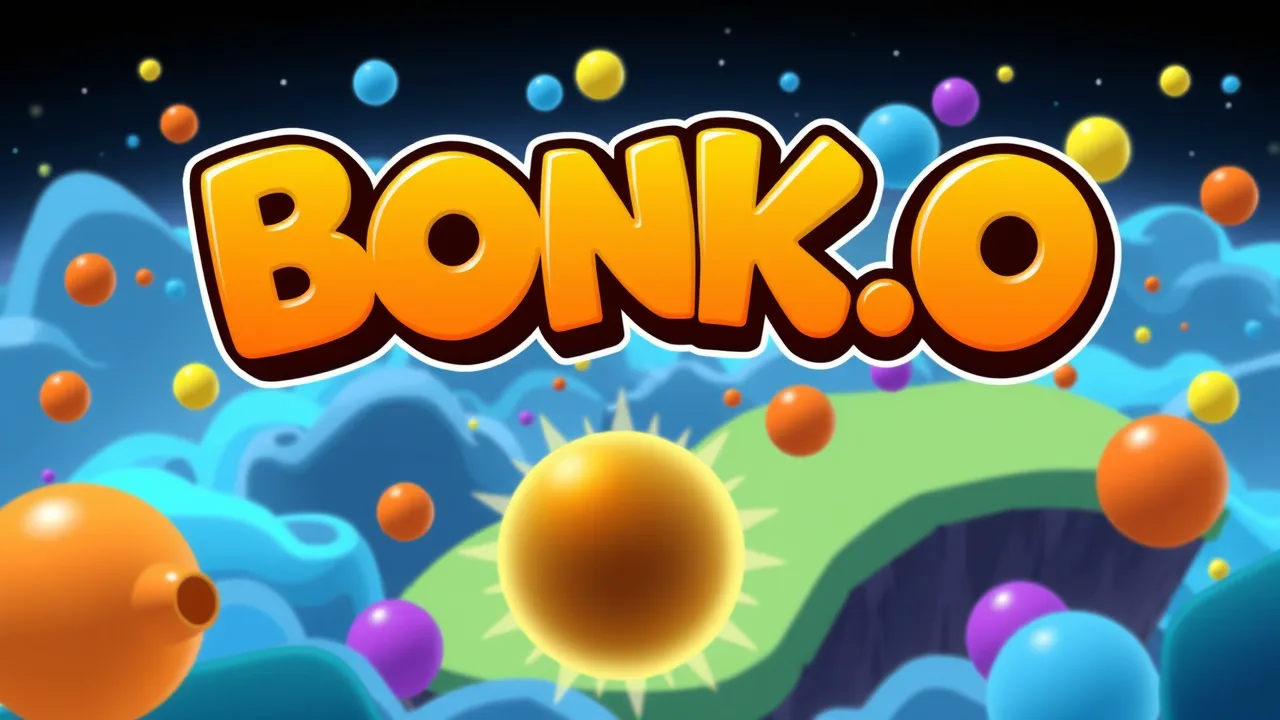
If you are looking for a physics-based battle royale that is as addictive as it is deceptively simple, you have likely come across the chaotic world of Bonk.io. This multiplayer action game pits you against players from around the globe, where the primary objective is to push your opponents off the screen or into deadly obstacles. Using a blend of momentum and weight management, you must navigate increasingly complex maps while staying the last circle standing. You can jump into the fray immediately at bonkio to test your reflexes. Much like the classic mechanics found in physics games, the outcome of every round depends on how well you manipulate your object's mass to resist being shoved into the abyss.
Play Free Bonk io Unblocked Anywhere
Finding a way to play your favorite browser games during a break can be a challenge due to restrictive network filters. Fortunately, accessing bonk io unblocked allows you to bypass those annoying "Access Denied" screens typically found in restricted environments. Whether you are using a library computer or a personal laptop on a public network, the unblocked version ensures the game assets load correctly without being snagged by a firewall. This is particularly useful for Chromebook users who rely on browser-based entertainment. The beauty of the unblocked experience is that it maintains the full integrity of the game, including the level editor and the bustling community rooms. You won't have to deal with laggy mirrors or broken UI elements, as the focus remains on providing a smooth, high-frame-rate experience that keeps the physics calculations precise and the competition fierce.
Bonk io Unblocked Map And Level Features
The sheer variety of environments is what keeps the community thriving year after year. In bonk io unblocked, you aren't just limited to basic square platforms. The game features an incredibly robust level editor where players craft intricate deathtraps, moving machinery, and gravity-defying puzzles. Some maps utilize "arrows" that force your ball in specific directions, while others feature disappearing floors that require perfect timing. Because the game is unblocked, you can browse the massive database of player-created content without restriction. You might find yourself on a classic "Black Hole" map one minute and a high-speed "Race" map the next. The physics engine handles these complex shapes with surprising accuracy, meaning every bounce and every collision feels earned. Exploring these custom maps is essentially a lesson in kinetic energy, as you learn which surfaces provide the most friction and which will slide you right into a spike.
Sandbox Gameplay in Bonk io Unblocked
While the competitive side of the game is usually the main draw, the sandbox elements offer a different kind of satisfaction. Engaging with the sandbox mode within bonk io unblocked allows you to experiment with the core mechanics without the pressure of an encroaching win-condition. You can test how the "heavy" mechanic interacts with different platform types or see how much speed you can generate by oscillating between different weights mid-air. It is a fantastic way to master the "manning" technique, where you make yourself heavy at the exact moment of impact to send an opponent flying while you remain unmoved. Sandbox play also lets you invite friends to private rooms to test out newly designed maps before publishing them to the wider world. It’s less about the ranking and more about understanding the limits of the game’s engine, providing a relaxed space to hone the skills needed for high-level ranked play.
About Bonk io Unblocked Combat
Combat in this game is a unique beast because it doesn't involve traditional weapons like swords or guns. Instead, your body is the weapon. The combat in bonk io unblocked revolves around the "X" key, which increases your mass and makes you much harder to move. The strategy lies in the timing. If you are heavy all the time, you cannot jump high or move quickly. If you stay light, a tiny tap from an enemy will send you soaring off the map. Successful combatants use a "blink-and-you-miss-it" style of toggling weight. You might bait an opponent into charging at you, only to turn heavy at the last millisecond, causing them to bounce off you and into a hazard. It is a psychological game as much as a physical one, requiring you to read your opponent's momentum and predict their next lunge.
How to Play PvP
Stepping into the PvP arena requires a mix of defensive positioning and aggressive bursts. To win consistently, you should stay toward the center of the platform. Being on the edge makes you an easy target for a "drive-by" hit. Use your jump to gain height advantage; landing on top of someone while you are heavy often yields better results than hitting them from the side. In team-based PvP, communication is key, as you can coordinate "pincer" movements to trap a player between two heavy spheres. Remember that the environment is often more dangerous than the players, so keep one eye on the moving parts of the map and the other on your enemies.
Scroll Wheel Binds
Many veteran players prefer customizing their inputs to get a competitive edge. Binding certain actions to the scroll wheel can significantly change how you handle weight shifts. For example, some find that scrolling down to trigger the heavy mechanic feels more tactile than holding a keyboard key. This allows for rapid-fire weight pulsing, which can be useful when you are being pushed against a wall and need to jitter your mass to stay alive. Check your browser settings or the in-game options to see how your specific mouse interacts with the game's input recognition.
Audio Read Tips
While it might seem like a purely visual game, the audio cues can actually help your performance. The sound of a collision changes based on the speed and weight of the objects involved. A loud, sharp "clack" usually means a high-velocity impact, giving you a split-second audio confirmation that you’ve successfully landed a heavy hit. Paying attention to these sounds can help you react faster when things get chaotic and multiple balls are bouncing around the screen at once. If you hear a nearby "thud," you know someone just turned heavy, and it might be time to steer clear.
Maps And Modes FAQ
The game offers several modes beyond the standard "Classic." There is "Arrows," where you can shoot projectiles to push others, and "Football," which turns the game into a chaotic sports match. You can access all these through the custom game browser. Most players stick to the "Classic" mode for serious competition, but the variety modes are excellent for blowing off steam or playing with a large group of friends.
New Abilities
While the core game remains focused on weight and movement, some custom maps and specific game modes introduce "Ability-like" mechanics through clever use of the map editor. For example, some maps feature zones that give you an instant speed boost or invert your controls. Keeping up with the community-driven "meta" of these maps is part of the fun, as creators are constantly finding ways to push the physics engine to do things it wasn't originally intended to do.
Troubleshooting Quick Fixes
If you encounter performance issues, the first step is usually to check your hardware acceleration settings in your browser. Since the game relies on real-time physics, any stuttering can lead to a quick loss. Clearing your browser cache or disabling heavy extensions can also help. If the game won't load, ensure that your school or work network hasn't specifically blocked the socket connections the game uses for multiplayer. Switching to a different browser like Firefox or Edge can sometimes bypass specific rendering bugs found in Chrome.
FAQ
Is it possible to play with friends on different networks? Yes, as long as you are all using the same version, you can create a private room with a password and share the room name with your friends to play together.
How do I make my own maps? There is a built-in Level Editor in the main menu. You can place shapes, define their physical properties (like bounce or friction), and set spawn points before saving and sharing your creation.
Does my progress save if I don't have an account? While you can play as a guest, creating a free account is recommended if you want to save your custom maps, track your win/loss stats, and earn experience points to level up.
Why is my ball moving so slowly? You might have the "Heavy" key (usually X or Shift) held down. Being heavy increases your stability but significantly reduces your movement speed and jump height.
Can I change the color of my character? Yes, the game features a customization menu where you can change your ball's color and even add layers of skins and decorations to make your character stand out in the arena.