































Vex 7 Unblocked: Fast Parkour Platformer Runs You Can Play Anywhere
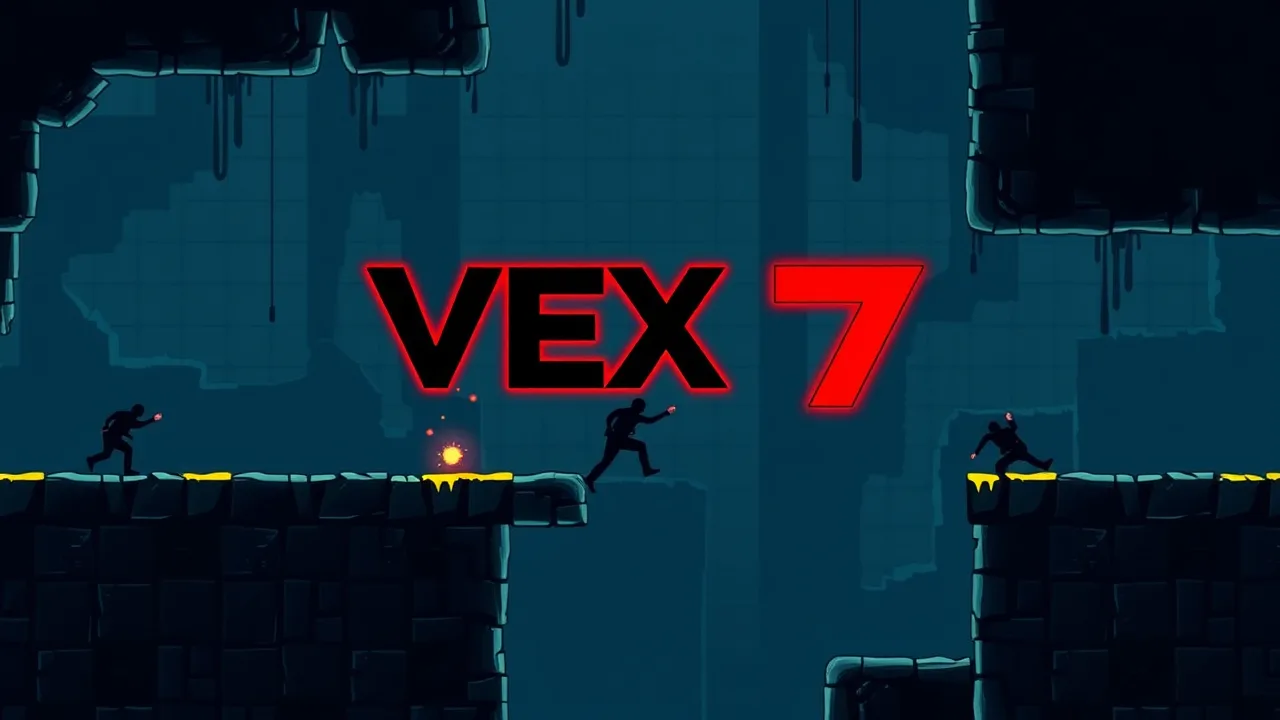
If you love games that reward timing, patience, and quick reflexes, vex 7 is the kind of challenge that hooks you in one try. It is a trap-filled parkour platformer where every checkpoint feels earned, and every clean run makes you want to replay for a faster time. You can jump straight into the action using this page: play Vex 7 online. And if you are into the genre in general, it sits comfortably inside the classic platformer style of games where movement and precision are the whole point.
🎒 Vex 7 Unblocked No Download
When people search for vex 7 in an unblocked style, they usually want one thing: instant play without installs, logins, or setup drama. That is exactly the vibe here. You open it, press play, and you are already learning the rhythm of sprinting, jumping, and landing clean. The best part is that short sessions still feel rewarding because every attempt teaches you something. You start noticing patterns, like where a wall jump saves time or where patience beats rushing. It also works great for quick breaks because progress is built around checkpoints, so you can hop in, clear a section, and stop without feeling lost. If you are playing at school or on a shared device, the no-download flow matters a lot, and it keeps the game simple and accessible while still being seriously challenging.
⭐ Top Features of Vex 7
The most satisfying thing about vex 7 is how it blends clean movement with mean, clever obstacles. You are not just jumping gaps. You are chaining actions: sprint into a slide, hop a spike pit, wall jump, then land perfectly before the next trap even shows itself. It feels fast when you are doing well, and brutal when you rush. Another standout is the way levels encourage repeat runs. Even if you finish an act, you instantly want to go again, shave seconds, and make the run look smoother. The trap variety also keeps things fresh, so you are not repeating the same trick forever. And because it is built around timing, it scratches the same itch as speedrunning without requiring you to be an expert. You can play casually, but the game always offers another layer of mastery.
🧩 Vex 7 Gameplay Essentials
At its core, vex 7 is about momentum and decision-making. You move through levels packed with hazards, using parkour-style moves to survive and reach the end. The gameplay feels simple in your hands, but tricky in your head, because every room dares you to go faster than you should. The trick is learning when to sprint and when to slow down. Some sections reward full speed and confidence, while others punish impatience with instant resets. Checkpoints help keep the flow fun, because you can experiment without losing everything. A great approach is to treat each new section like a mini puzzle: watch once, test a safe route, then optimize after. Once you start connecting clean sequences, the game becomes a rhythm challenge where your fingers move before you even fully think. That is when vex 7 gets truly addictive.
📌 All About Vex 7
Vex 7 is the kind of platformer that feels built for players who enjoy precision more than power-ups. It is not about collecting a mountain of items or grinding stats. It is about skill, timing, and staying calm when the game tries to bait you into a mistake. The visual style is clean and readable, which helps a lot because obstacles come fast and you need to react quickly. It is also a game that respects practice. The first few attempts might feel rough, but improvement is obvious, and that makes it satisfying. Over time, you develop a personal “best path” through each section, and you start measuring success by how smooth the run looks, not just whether you finished. If you like tricky movement games that reward repetition and precision, vex 7 fits perfectly, especially when you treat it like a personal speed challenge.
🏁 How to Play Vex 7 for Beginners
Starting vex 7 is easiest if you think in two phases: survive first, then speed up later. On your first attempt in a new act, focus on reading the traps and reaching checkpoints safely. Do not worry about time yet. Once you know what is coming, then you can start pushing pace. A great beginner habit is “one change at a time.” If you keep dying in the same spot, change only one thing: jump earlier, jump later, approach slower, or use a different angle. That helps you learn the exact timing window instead of guessing randomly. Also, try to keep your movement clean. Over-correcting mid-run causes most beginner deaths. Light inputs and steady pacing usually beat frantic tapping. When you start clearing sections consistently, begin optimizing by linking moves smoothly, like sprint into jump into wall jump, without hesitation. That is how you level up fast.
🖥️ Keyboard and Mouse
For vex 7, keyboard controls are usually the most reliable because timing matters so much. You will generally use the arrow keys or WASD for movement, with quick taps for precise jumps and longer holds for committed leaps. The main thing is consistency: pick one control style (WASD or arrows) and stick with it so your muscle memory builds. Mouse is typically just for menus or clicking the play button, so do not overthink it. If your inputs feel delayed, click once inside the game window to make sure it is focused, then try again. For tight sections, avoid slamming keys too hard. Gentle, controlled presses often keep your character from doing extra movement you did not intend. If your keyboard has sticky keys enabled, disabling it can help during fast sequences. Once your hands settle into a rhythm, you will feel the game become smoother and more predictable.
⚡ Quick Tips and Tricks You Need
If you want to get better at vex 7 quickly, here are tricks that actually matter. First, stop rushing blind into new rooms. Watch the first second of a trap pattern before committing. Second, use momentum smartly. Sprinting is great, but sprinting into surprise hazards is not. Third, wall jumps are often safer than they look, so practice them until they feel automatic. Fourth, when you keep dying at the same place, take a short pause and reset your timing instead of repeating the same mistake ten times. Fifth, replay sections you already cleared and aim for clean movement. That practice carries into harder acts. Finally, treat frustration like feedback. If you are getting tilted, do one slow “safe run” to rebuild confidence, then go back to speed attempts. Vex 7 rewards calm focus more than raw aggression.
❓ Controls and Settings FAQ
Does vex 7 save progress? Usually it is checkpoint-based within a session, so try to finish an act once you start it.
Why do my controls not respond? Click inside the game window to focus it, then try again.
Is it better on keyboard or touch? Keyboard is typically more precise for tight timing sections.
How do I improve fast? Learn trap patterns first, then optimize speed later.
Why do I die right after a checkpoint? Some checkpoints place you close to hazards, so give yourself a half-second to read the room before moving.
Can I speedrun it? Yes, the level design naturally supports replaying for faster times.
What if the game feels choppy? Close extra tabs and disable heavy browser extensions for that page.
🆕 Vex 7 Update Highlights
With vex 7 on browser game pages, “what’s new” often shows up as gameplay polish rather than huge announcements. You might notice smoother performance, cleaner responsiveness, or small tweaks that make tricky sections feel fairer. Sometimes the hosting page updates the build, which can change how certain jumps feel by a tiny amount. That is why experienced players always do a quick warm-up run when returning after a break. If something feels different, it might not be you. It could be a version swap, a browser update, or a performance difference on the device you are using. The best way to stay consistent is to keep your setup stable: same browser, fewer background tabs, and a steady frame rate. If you notice a sudden spike in lag or input delay, refresh the page first, then try again.
🛠️ Troubleshooting Quick Fixes
If vex 7 is not working right, this quick list fixes most problems. Refresh the page first. Then click inside the game window so keyboard inputs register. If it still does not load, try opening it in a different browser. If the game loads but runs slow, close other tabs, especially video or music streams, and disable performance-heavy extensions for that site. If the screen is black or stuck, a hard reload can help, and clearing cache for the page can fix stubborn loading issues. Audio missing? Check the browser tab mute icon and the site sound permission. Controls weird? Turn off sticky keys or other accessibility toggles that interrupt rapid key presses. And if the game is blocked on a network, that is usually a network rule, not a game bug, so switching connection is often the only solution.