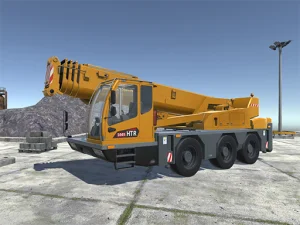
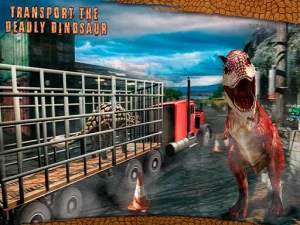
18-Wheeler Games groups virtual truck and transport routes. The cards can use different vehicles, so look closely at the one the game gives you. A city freight route and a mountain transport mission can put different demands on the same steering control. Start with a place where you can see how much room the vehicle needs, then choose a goal you can reach in the time you set aside.
Last Updated:
Look past the front of a truck
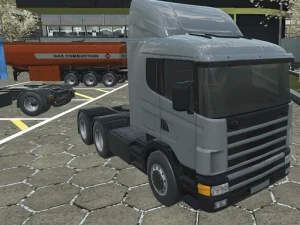
Euro Truck Driving Simulator uses trucks and cargo on European-style routes. Open a trip and read the current destination. Take an early turn at a pace that lets you see how the whole truck moves through it. The front of an articulated or long vehicle can appear ready for the next part of a route while the back is still following the previous curve. Look for a line that gives both parts room.
Pay attention to how the game presents roads and junctions. A lane or sign can help you see what will be expected farther ahead. If a turn makes it hard to understand where the rest of the vehicle is, try a view that gives you more information. Switch views in a place where you have time to recognize what changed. A first session can be about understanding one approach to a delivery rather than doing a long route immediately.
Follow a transport task from pickup to arrival
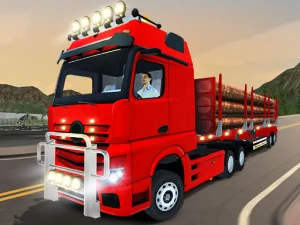
Truck Transport Simulator gives you transport missions through different environments. Begin by checking what the current vehicle is carrying and where the game wants it to go. Locate a point where the route changes, such as a slope or tighter passage. See how the load and vehicle look when you first reach it. That gives you a reference for where to begin adjusting if the path becomes difficult.
Use a retry to compare one part of the approach. You may need to enter with a clearer angle or give the truck time to settle after turning. In an open stretch, try a small input and see how much the current vehicle follows it. A long road can be useful for seeing how the game handles a loaded vehicle, even if your goal for the day is one mission rather than a larger tour.
Check the conditions in a rough-terrain hauling game
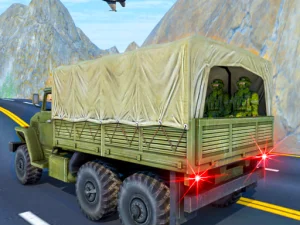
Army Truck Driving Game uses fictional supply trips across rough terrain. Read the on-screen route and controls before attempting a difficult section. Pick one passage where you can see how the vehicle reacts to a change in the ground. Keep the first move simple and use the result to decide what you want to test next. If you find a narrow place, look first at how the course shapes the approach rather than only where it exits.
Other transport cards can use vehicles that are shorter, lighter or marked for a different role. Read the current description if you came specifically for a large truck. A scene can share the road setting without asking you to carry the same kind of load. Let the opening show you what the route is measuring, whether it is completing a delivery, reaching a checkpoint or handling a more constrained stretch.
Choose what you want to practice in the game
Open a road simulator when you want to read turns and carry a route through several visible places. Try a transport mission when you want a clear arrival point or a different load. Choose a rough-terrain card if you want the path itself to change what a slower movement feels like. Follow the game's own controls, and stop after a clear parking, delivery or route result if that is enough for the visit.