Find the exact game first
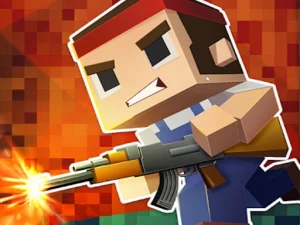
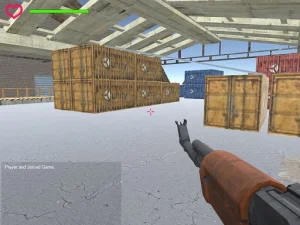
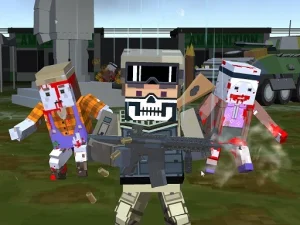
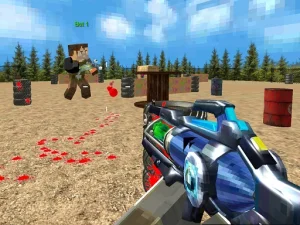
BLOCKPOST is the direct choice when you want the first-person cubic shooter. Its basic browser inputs are WASD or arrows for movement, left mouse to fire, right mouse to aim, Space to jump and number keys to select weapons. Use the current player interface for additional commands and the matches that are available. Do not assume the browser release automatically includes everything described for another version with a similar name.
The wider selection gives you alternatives, but shared artwork or a common shooting theme does not establish identical rules. An overhead combat game asks you to read space differently from a first-person view. A vehicle encounter and an on-foot firefight also involve different movement decisions. Read the selected page before carrying a strategy or key layout across. That short check can prevent you from mistaking an unfamiliar control scheme for a difficult first level.
Choose what you want to practice
For aiming practice, choose a game where you can identify what your movement and mouse input are doing. Begin with a comfortable view of the next opening instead of sweeping the camera in several directions at once. If the page moves instead of the character, click inside the player and test the input again. A focus problem needs to be solved before any advice about accurate shooting becomes useful.
For match decisions, concentrate on the objective displayed by the game. Competition can ask for different behavior depending on the mode. Team information, the remaining round and the current task should guide your choices. Do not reduce every situation to chasing the nearest opponent. A more useful first goal may be understanding the path between two areas and noticing which directions become exposed when you cross them.
Make cover and distance easier to read
Solid map boundaries can help you reduce the number of angles you need to watch. Approach an opening with a destination in mind and keep room to move back if the view becomes unfavorable. This is practical positioning advice, not a promise that any particular wall makes you invulnerable. Opponents can move too, so reassess a position when the match changes rather than returning automatically to the same exposed spot.
Weapon choice should also follow the situation you can see. Learn one available option at a readable distance before making frequent changes. Notice whether the problem was placing the view, maintaining it during firing or choosing an exposed route. Those observations suggest different adjustments. The BLOCKPOST browser guide explains how to organize these questions into a focused session without assuming unsupported modes or special abilities.
Allow enough time for online play
An online encounter is a better fit when you can stay involved through its normal round. Connection quality, the browser and the external game service all influence whether a match loads and responds smoothly. If the entire scene stutters, separate that behavior from an opponent simply anticipating your route. Avoid repeatedly changing sensitivity and equipment to solve what may be an availability or performance problem.
Use the documented device controls. A keyboard and mouse are the sensible starting point for BLOCKPOST; a page opening on a phone does not prove it has the separate mobile game's interface. Give the selected player time to load, read the actual menu and respect the network rules where you are playing. Choose the game whose real objective and input demands match your intended session, rather than expecting every card in the collection to provide the same experience.