Browsing Sweet Picks Across Candy-Themed Browser Titles
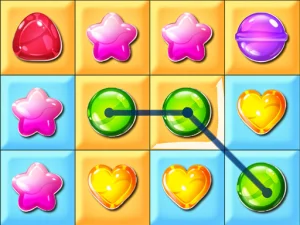
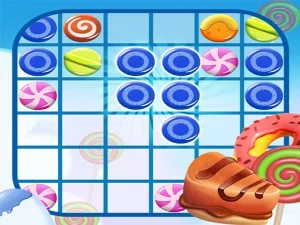
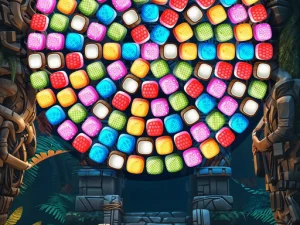
Inside the candy tag, many browser titles emphasize bright visuals, short rounds, and simple goals that fit quick play sessions. Common actions include matching candies, decorating cakes, sorting sweets, or guiding characters through sugary obstacles. Access is direct through the browser with no downloads required, and most modern browser titles load fast on desktop or mobile. The pacing usually stays light, with rounds that can be completed in minutes and replayed for better results.
Choosing Based on Mood and Session Length
Players can choose candy-themed browser titles based on available time, preferred pace, and desired task type. Sorting and matching picks suit short breaks, while decorating and serving tasks may offer slightly longer rounds. Device preference matters too, since touch-friendly layouts work better on phones, and keyboard-friendly titles fit desktop play. Browsing by subgenre helps narrow choices, whether looking for puzzle-style matching or casual arcade movement through sweet obstacles.
How the Candy Tag Works in Browser Play
Most candy-themed browser titles rely on simple controls like tapping, dragging, or clicking to match, sort, or decorate. Goals usually involve clearing boards, reaching targets, completing recipes, or guiding movement through timed challenges. Pacing stays consistent, with short feedback loops that reward quick decisions and pattern recognition. These no download games load directly in modern browsers, supporting mobile and desktop access without installation. Cross-device compatibility is common, and quick loading makes them useful for short-session browsing.
Tips for Picking Better Candy Titles
Start by deciding whether you want matching, sorting, decorating, or arcade-style movement, then browse the relevant subgenre. Check whether the layout supports touch or keyboard input, since this affects comfort on different devices. Maintain focus on short rounds when time is limited, and look for titles with clear visuals and readable instructions. If a pick feels too fast or too slow, try another style within the candy tag to match your preferred pace.
Why Players Return to Candy-Themed Browser Titles
Players often return to this tag because the rounds are short, the goals are clear, and replay value stays high. Many browser titles in this collection offer quick attempts that encourage trying again for better outcomes. The candy theme also suits casual browsing, since sessions can fit into small breaks without long commitments. This makes the section useful for players who want instant play games with accessible mechanics and direct browser access.
candy FAQs
Q: Do candy-themed browser titles need downloads or plugins? A: Most run directly in the browser without downloads or plugins.
Q: Can candy sorting and matching picks work on phones? A: Many titles work on phones when touch controls are supported.
Q: Are candy browser titles only puzzle-style? A: The tag also includes decorating, serving, and arcade movement picks.
Q: Why are no download candy titles useful for short breaks? A: They load quickly and offer rounds that finish in minutes.