Craft games give you materials, building pieces or spaces you can change. Begin by deciding what you want your first change to do. It might provide a clear route, a place to return to or room for the next object. A small structure with a useful purpose is easier to expand than a pile of pieces you placed without a plan. The world and its objectives tell you which part is worth building first.
Last Updated:
Start with an area you can recognise
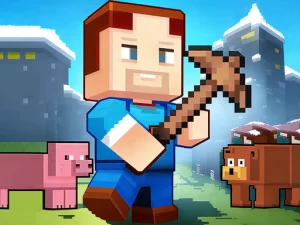
Terra Craft World combines exploration, building and survival in an open world. Find a recognisable part of the environment before moving much farther. Use features such as a distinct height change or a line where the terrain turns to keep your bearings. If you begin a build nearby, you can use the same landmarks to make your way back after exploring. Keep the first structure small enough that you can see how it fits the place you chose.
When building, consider how you will move through the space once you have placed more pieces. Put a route through the area into the plan early. An opening that feels generous before you build a wall can become awkward when you add another object next to it. Walk the route when possible and look at the places you turn. This helps you see where a small change will make the whole area easier to use.
Link gathering to a real next step
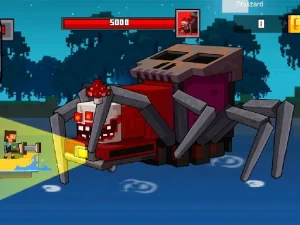
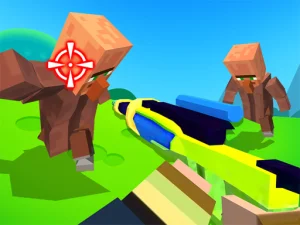
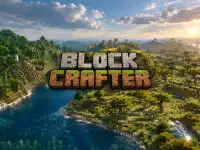
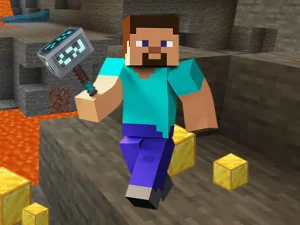
Block Craft 3D 2 mixes placing blocks with collecting diamonds and encountering monsters. Decide what would help you on your next trip. A small building task can make a familiar spot easier to find. A collection goal can give you a reason to explore a different part of the scene. Use the instructions and visible controls to see what you can place or collect in the version you opened.
Try making a short collection route before taking a longer trip. Start from a position you know, find a nearby resource and see whether you can return by a route you recognise. Once that loop makes sense, extend it a little. Notice where encounters interrupt the simple route and choose whether to take a different approach. Knowing which part caused trouble makes it easier to adjust the next trip without losing track of your original goal.
Build a test piece before the full structure
If you want to make a larger shape, build one useful segment first. A short wall lets you judge the alignment of the blocks. A small path lets you see where you can walk. A single opening can test whether you can get to the part of the area you intended. Try it as a player before you repeat the same design across a bigger area. You may discover that the view or the space available from inside differs from what you imagined outside.
Leave a way to change the design as you go. If a route turns too sharply, move the next part rather than filling every space around it. If the building needs to grow later, choose an edge where it would be easy to add another section. Planning one extra opening can save you from having to rebuild the whole area when you find a new use for it.
Pick a project appropriate to your session
If you want to explore, give yourself one familiar landmark and a destination you can describe. If you want to build, choose an object or route with a clear purpose. If you enjoy juggling collection and construction, do a short resource trip with a specific plan for what comes next. The Craft tag is useful for choosing between those activities. Read the game heading and objective first, then try a project that fits what that particular world gives you to work with.