Creative Sketch and Paint Collection
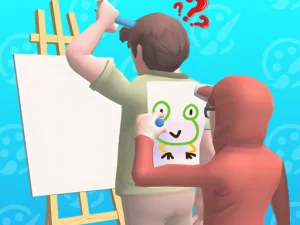
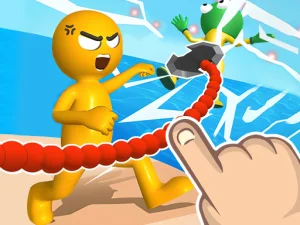
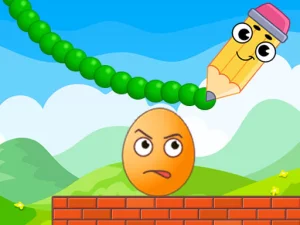
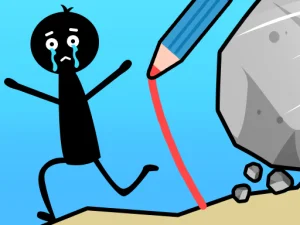
This tag typically includes browser-based drawing games that emphasize freehand sketching, coloring activities, and guided art challenges, often designed for short sessions or relaxed play. Players usually interact with simple toolsets like brushes, pencils, erasers, and color palettes to complete tasks or explore open-ended creation. Many titles in this section load quickly without downloads and support both desktop and mobile browsers, making them accessible for casual browsing. The pacing tends to be calm, with objectives ranging from filling outlines to recreating reference images or mixing colors.
Choosing Art-Based Browser Titles
Players can select drawing titles based on whether they prefer guided activities like coloring pages or open-ended sketch modes that allow freeform creation. Consider the available time, since some browser titles offer quick single-image tasks while others support longer creative sessions. Device preference matters too, as touch-friendly layouts suit tablets and phones while keyboard or mouse controls may work better on desktop. Browsing by style, such as cartoon outlines, realistic shading, or abstract patterns, helps narrow choices to match artistic interests.
Tools and Interaction Style
Most drawing browser games provide basic art tools like brushes, pencils, markers, and erasers, with color pickers or palette selections for customization. Some titles include layer support, zoom functions, or undo features to refine work without starting over, while others keep controls minimal for quick play. Touch devices often support tap-and-drag sketching, and desktop versions may rely on mouse or trackpad input for precision. Many no-download HTML5 titles load directly in the browser, so players can start sketching without installation. Access is straightforward, with most browser titles requiring only a modern browser and stable connection.
Practical Selection Advice
Try guided coloring pages first if the goal is relaxing, low-pressure activity with clear visual outcomes. Choose freehand sketch modes when the aim is practice or experimentation with different drawing techniques. Maintain a shortlist of favorite browser titles by bookmarking pages or noting which toolsets feel most intuitive. If touch controls feel imprecise, switching to a desktop browser may improve accuracy for detailed work.
Why Players Return to Drawing Sections
Players often return to this category for stress-free creative sessions that do not demand fast reflexes or complex strategy. Replay value comes from trying new color combinations, experimenting with different tools, or revisiting guided prompts with improved skill. The format fits both quick five-minute breaks and longer focused sessions, depending on the chosen title and personal pace.
drawing FAQs
Q: Do drawing browser games require downloads or plugins? A: Most run directly in modern browsers without downloads or plugins.
Q: Can sketch and paint titles work on phones and tablets? A: Many support touch controls, though precision varies by device and layout.
Q: Are there guided coloring activities in this section? A: Yes, several browser titles offer outlines and palettes for structured coloring tasks.
Q: Is this category suitable for quick creative breaks? A: Short-session drawing titles fit well for brief, low-pressure play.