Read the current objective in the pixel-style shooter
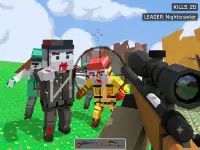
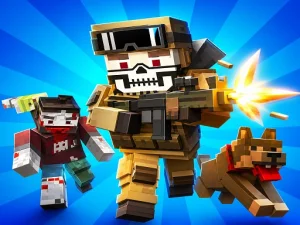
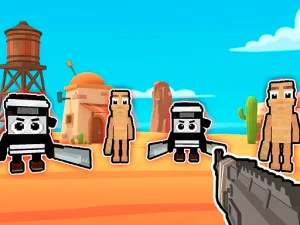
Pixel Gun Apocalypse 2025 is a block-style browser FPS whose supplier describes multiplayer action involving SWAT and mercenary sides across maps. Its verified basic controls use WASD for movement and the mouse to look around. Read the loaded game's instructions for further actions and the objective of the current match.
Orient yourself before crossing an exposed passage. Notice the routes nearby, the directions you can observe and the next position you intend to reach. A useful movement has a purpose in the current situation. If the encounter goes wrong, review the approach that led into it instead of remembering only the final exchange. The page's identity also matters: this browser game should not be assumed to share accounts or progression with another similarly named product.
Learn the additional actions in Armed Forces.io
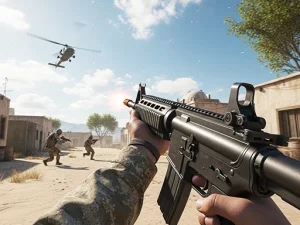
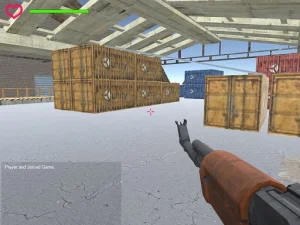
Armed Forces.io is a separate direct suggestion for map-based shooting. Its documented controls include WASD or arrow movement, left-click firing and right-click aiming. Space slides while moving and Left Shift runs. Numbered keys change weapons, while other listed actions handle interaction and available equipment.
Learn those actions in a way you can observe. First connect movement with looking, then introduce a weapon change or another unfamiliar input separately. An item command is useful only when the game provides the relevant item; it is not a promise of an unlimited supply. Before entering a busy encounter, check the weapon you have selected and the position you want to reach.
Choose preparation and defense in another format
They Are Coming Unblocked opens NeoX's side-scrolling zombie survival game. The survivor defends an orphanage using direct combat, equipment purchases and defensive construction. Its listing describes a Defense mode and a Sandbox option for experimenting with arrangements and available unlocked items. The publisher's listing carries a 16-plus label.
In that format, inspect the approach you are trying to protect before placing equipment. A barrier is useful because it covers a route, not simply because it contains many objects. Keep the survivor's position in mind while considering how direct fighting and the prepared defenses work together. After an attack, look for the first gap in the arrangement and change that weakness deliberately.
Match your expectations to the selected game
The direct alternatives above are recommendations from the wider catalogue, not a claim that all appear in the first visible cards on this page. They illustrate why a broad shooting label is not enough to establish the session's rules. Moving through a first-person map and preparing a side-scrolling defense ask you to watch different information, even when both include shooting.
Check each game's displayed controls, current mode and equipment information. Do not import a reload key, weapon statistic or saving system from a different title. If the keyboard appears unresponsive, distinguish a focus problem from a rule about the action you are attempting. Click within the actual player and test a documented basic input before changing several settings.
Start with one decision you can improve
The established word “unblocked” cannot guarantee access through a managed network, so use a connection where play is permitted. Wait for the selected game to load, then choose a practical aim: reading the next opening earlier, coordinating movement with mouse look or protecting one vulnerable approach. A clear aim makes another attempt easier to assess and helps you choose the shooter format that suits the session.