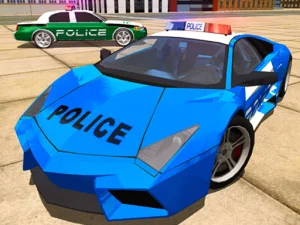
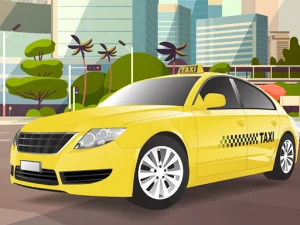
Choose by the task behind the thumbnail
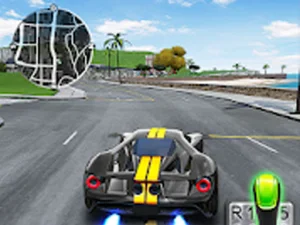
Read what the selected game wants you to accomplish. A passenger request concerns reaching a person or following a trip instruction. A race concerns the course and its finish condition. Other driving games concentrate on avoiding obstacles, parking or exploring. Identify the actual requirement first, then judge whether speed, a careful final position or route planning will help you satisfy it.
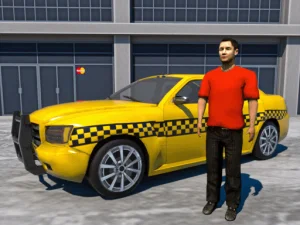
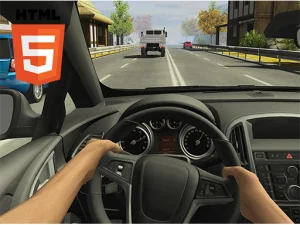
Check how the game begins as well. Some entries put you directly behind the wheel, while another can start with a character standing outside the vehicle. That changes the first control you need to learn. If a driving input has no effect, inspect the current scene and menus before assuming the game is broken or that every title uses the same startup sequence.
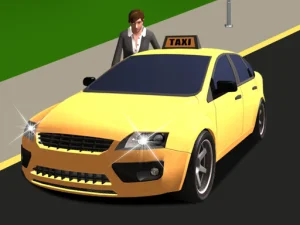
Passenger City Taxi Game separates walking and driving
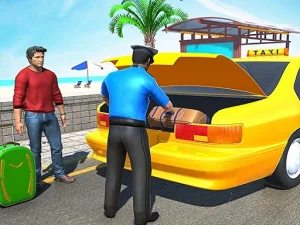
Passenger City Taxi Game opens a city game presented as Crazy Taxi City Rush. After profile and vehicle selection, the menus offer Career Mode and Open World. Career includes a first available level and later locked level cards. Choose the activity you intend before relying on a description of another mode.
In the opening city scene, the character can begin outside the taxi. WASD moves the character on foot. Approach the car until its door icon appears, then click the icon to get inside. The driving view adds a speedometer. A first Career mission panel asks you to collect a waiting passenger and provides acceptance and rejection buttons, so read that panel before continuing.
The vehicle-selection menu displays Speed, Handling, Brake and Engine specifications. Those are separate comparisons to make when choosing a car. A fast-looking model and a useful handling setup are not the same thing to inspect. Once in the city, use the visible minimap and the active mission information to understand the next task.
Compare passenger tasks with a course-based race
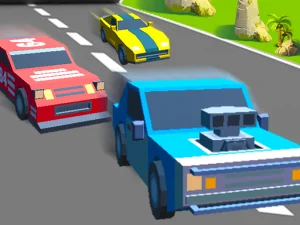
For another vehicle activity on the site, Top Down Truck Racing uses an overhead camera and WASD driving. It offers a useful contrast with a character entering a taxi in a 3D city. In the truck race, read the course ahead and prepare a corner from the wider view rather than searching for a passenger interaction.
That comparison helps separate a vehicle theme from its rules. A technique suited to following a racing line may not solve a task that requires stopping near a person or interacting with a panel. Read the chosen game's own success condition and make the final approach appropriate to it.
Make the first trip easier to understand
Learn one part of the interface at a time: movement, entering the vehicle, reading the mission and identifying the route. If you change vehicles and several settings before learning the first task, the result becomes harder to interpret. Use an opening attempt to connect each action with what changes on screen.
Before a junction or a narrow approach, identify where you want the vehicle to finish the turn. Leave yourself room to correct the line instead of waiting until the destination is beside the car. Reassess the route after an interruption or a new mission prompt.
Controls and device support differ between entries. Keyboard movement, touch steering and mouse-operated menus should be checked in the actual version rather than inferred from a collection name. Return to the BestCrazyGames homepage when you want another starting point, and compare your next choice by its objective as well as its vehicle.