Start with the exact Evo-F2 game
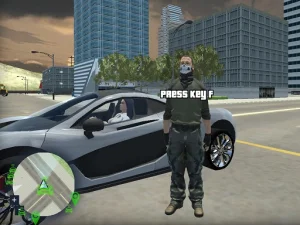
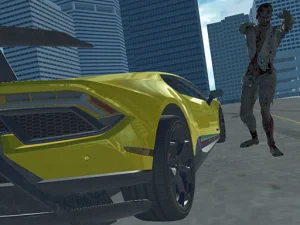
Open Evo-F2 for the city sandbox. It gives you room to experiment with road vehicles and working machinery instead of demanding that every session follow a race schedule. You can spend time on handling, line up a jump or investigate how an industrial vehicle moves an object. A useful session can be as small as learning to place a vehicle accurately in a confined space.
Set yourself a clear, limited objective before accelerating away. For example, choose a safe stretch of ground and practise bringing the selected vehicle to a controlled stop. Next, try approaching the same point from another angle. This gives you a reference for the vehicle's response before you combine speed, turning and a ramp. Free exploration becomes easier to learn from when you know which part you are trying to improve.
Keep the main driving controls separate
WASD controls driving, the mouse changes the view and C changes the camera. R repairs the vehicle, Enter resets it and T activates slow time. A reset is useful when an experiment leaves you badly positioned; repair is useful when you want to continue with the vehicle. Check what happened after the input instead of pressing several recovery keys at once and losing track of which action helped.
Camera choice affects how easily you judge distance. Before making a tight turn, find a view that shows the obstacle and the vehicle's direction clearly. If the camera hides the landing area, reposition or change the view before building speed. Looking around is part of planning a route, especially when you are switching from a smaller car to a larger machine.
Learn the machinery as its own activity
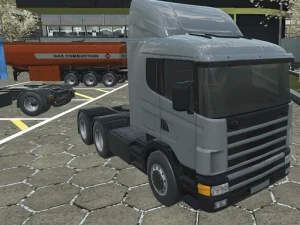
Evo-F2 includes a truck, forklift and excavator as well as cars. The published equipment inputs use U and J to raise and lower the arm, with I and K operating the fork. These keys are relevant to the appropriate machine, so select the equipment you intend to use before testing them. A driving input and a lifting input solve different parts of the same positioning problem.
Approach an object slowly and stop before adjusting the working equipment. Then make one adjustment, observe the result and correct the position if needed. Attempting a turn and a lift at the same moment makes it harder to see why an object moved unexpectedly. Treat precise placement as a goal of its own rather than a delay before the next high-speed drive.
Pick another driving game for a reason
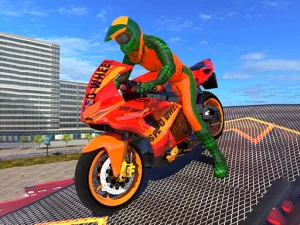
The nearby cards broaden the page beyond one sandbox. Read each game's title and description before choosing it: a race, an obstacle course and free driving reward different kinds of decisions. A timed course may require a reliable route, while a sandbox lets you stop and repeat an experiment. A shared driving label does not make the rules interchangeable.
If you specifically want to compare another entry in the same series, Evo-F5 is a separate game available on the site. Open it with the expectation of learning its own vehicle selection and environment. Keep your comparison concrete, such as how easy it is to judge a turn or how the available space changes the route you choose.
Build a useful practice session
Alternate between a simple drive and one more demanding action. That could mean a controlled approach followed by a ramp attempt, or lining up a machine before moving its equipment. Repeat with a single change in speed or angle so that the result tells you something. Evo-F2's verified controls are intended for desktop keyboard use; this collection should not be taken as confirmation that every listed game has matching touch controls. Choose the exact entry first, read its inputs, and let its actual objective guide the session.