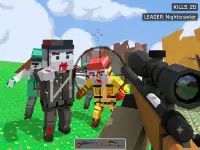
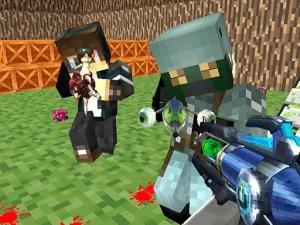
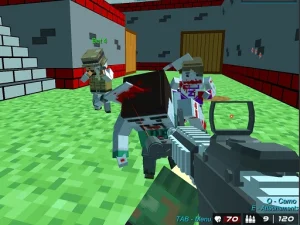
Begin with the selected browser FPS
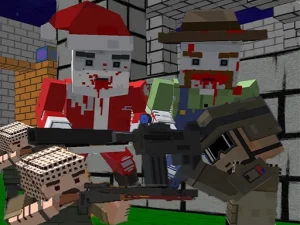
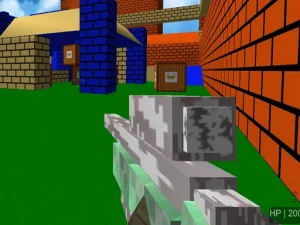
The Pixel Gun Apocalypse 2025 page loads the specific embedded version discussed here. Its published controls verify WASD for movement and the mouse for looking around. Read the actual interface for any additional actions, available match choices and the current objective. A control used by another pixel-style shooter is not automatically a control in this build.
After entering, establish your position and the nearby passages before rushing toward a distant figure. Notice which direction you are watching as you move. Learning to connect movement with mouse look gives you a useful foundation for reading the map, especially when you are still distinguishing the relevant routes and the participants in the current session.
Choose a position for a reason
A location helps when it supports the current objective or gives you a useful view of an approach. Inspect what a destination would provide before travelling toward it. Reaching a position without understanding its continuation can leave you exposed to a new direction that you had not considered. The route and the place it leads to should be evaluated together.
When inspecting a passage, decide what you are looking for. A deliberate check of a relevant approach can teach more than looking rapidly in every direction without interpreting any of them. Then consider which directions remain uncertain. This keeps attention flexible instead of turning one successful observation into a reason to watch the same corner indefinitely.
Interpret a difficult encounter
If another player catches you by surprise, recall the movement that came before the exchange. Did you overlook a route, notice the approach late or struggle to keep it in view while moving? These are different difficulties. Improving an input will not automatically solve an exposed route, while changing position does not teach an unfamiliar control.
Give another attempt one practical adjustment. You might inspect a crossing before entering open space or concentrate on coordinating movement and mouse look through a passage you understand. A specific aim makes the result easier to judge. It also helps you recognize progress even when another participant knows the current map better than you do.
Read the match information directly
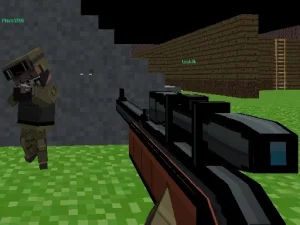
The verified description names multiplayer and SWAT and mercenary sides, but it does not establish a universal list of modes, exact room sizes or fixed scoring targets. Let the current game's own interface explain those details. Identify your assignment and objective before interpreting another participant's movement or choosing where to go next.
The browser-shooter practice guide develops this approach through sightlines, movement, attention and reviewing an encounter. It focuses on the selected Pixel Gun Apocalypse example. Use it for that purpose, then check another title separately rather than assuming that all games in the collection share its rules.
Browse by activity and supported inputs
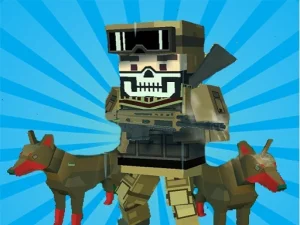
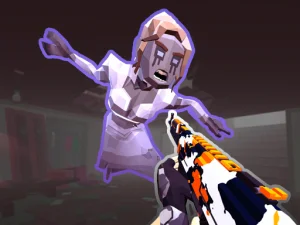
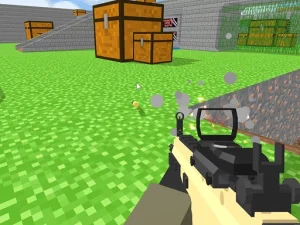
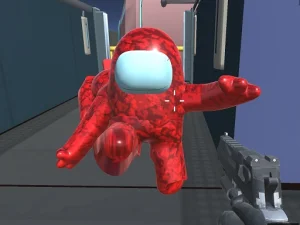
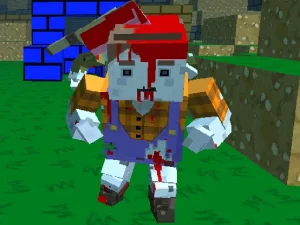
A familiar blocky thumbnail can identify a visual theme without establishing the same gameplay. Check the destination's description, available inputs and current loading screen. A mouse-and-keyboard game may ask for a different device setup from another browser title, and a collection page displaying on a phone does not prove equivalent touch support for every embedded game.
Use access where playing is permitted. The established unblocked phrase does not guarantee availability on a managed network, and a common website does not establish shared saves between unrelated shooters. Return to the complete game title when you want the same version again. Begin a session with one map or control decision you want to understand, then use the actual result to choose what to improve next.